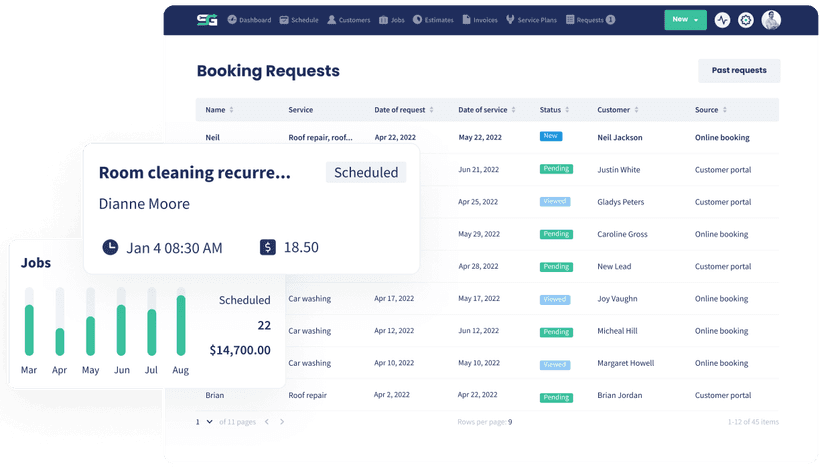
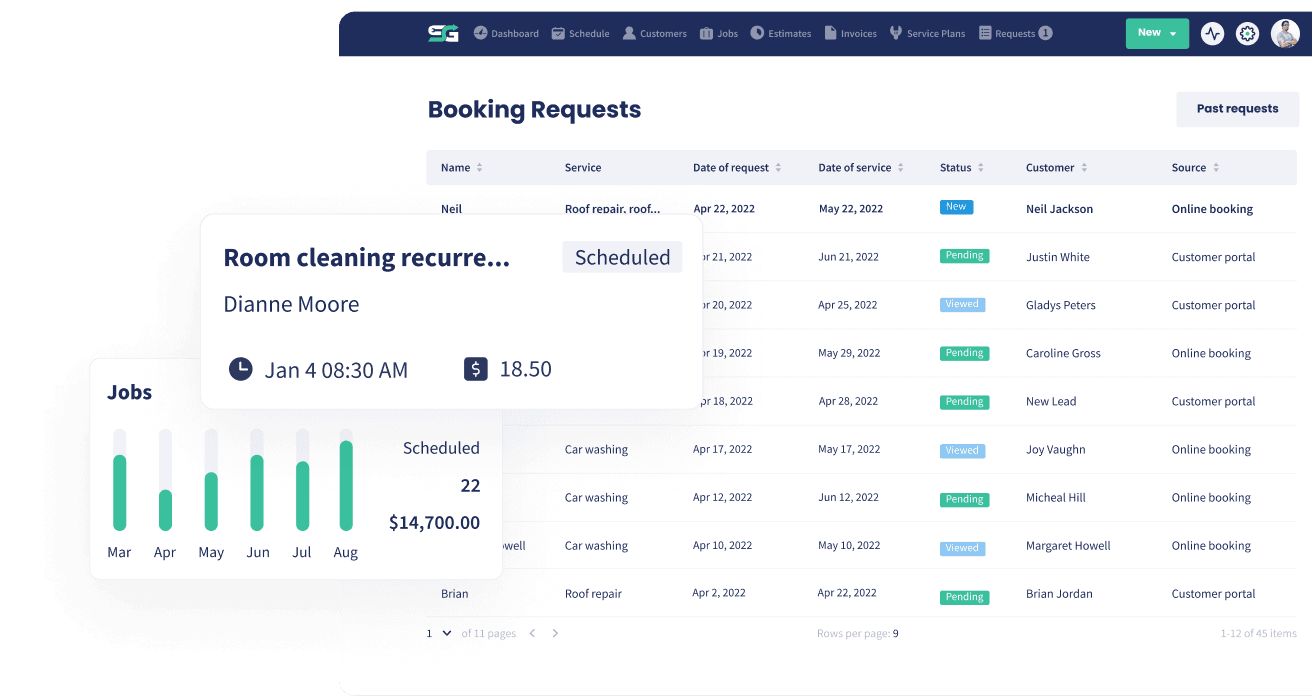
Easy Scheduling & Dispatch
Dispatch Smarter, Run Faster: One Calendar, One Map, Total Control
Drag, drop, dispatch, and track every job in real time, then keep customers informed automatically from booking to invoice.
How Scheduling and Dispatch Benefits Your Business
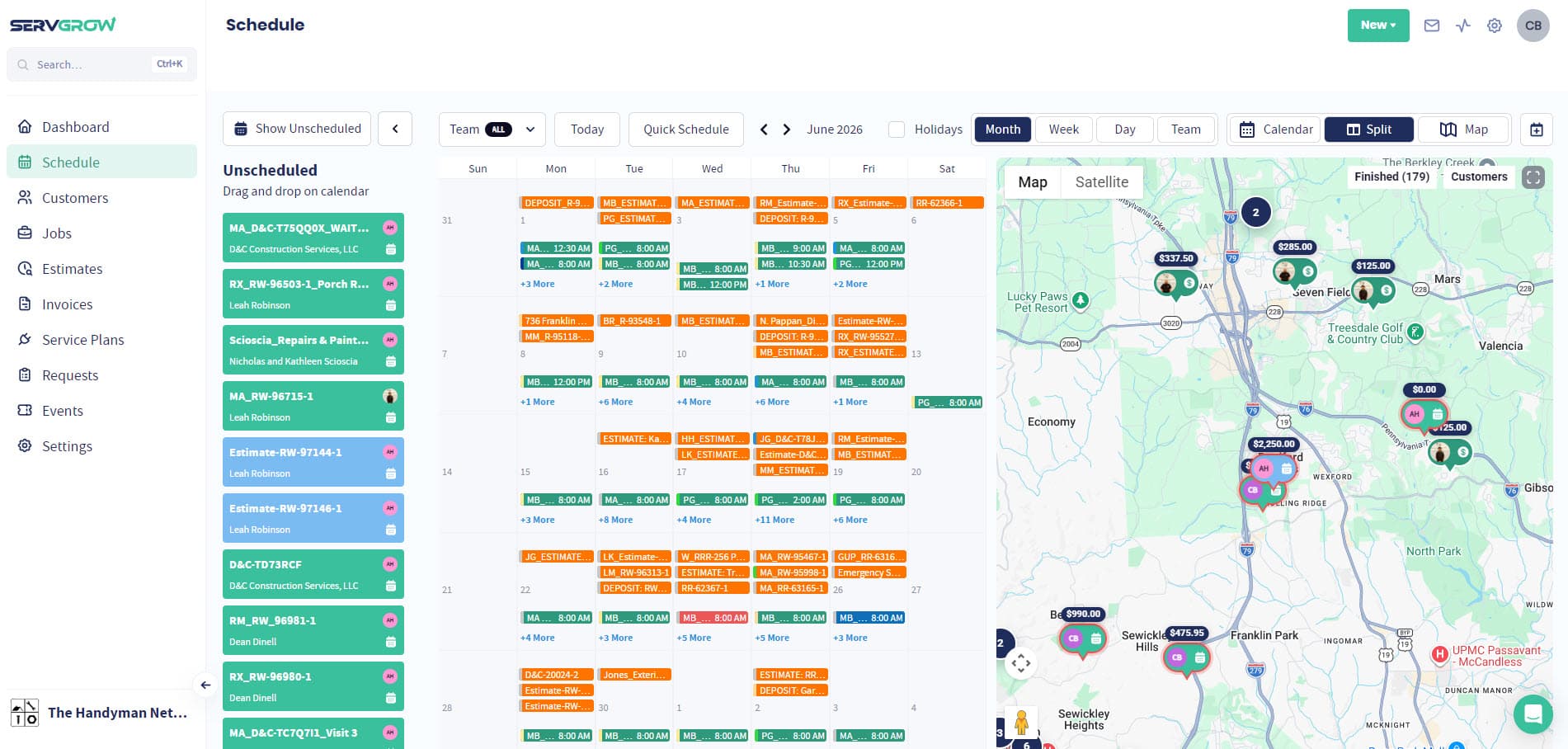
When your calendar is messy, your day is expensive, wasted drive time, missed windows, angry customers, and crews calling the office nonstop. Servgrow Scheduling & Dispatch turns that chaos into a clean, predictable operation. You see every request, every crew, and every stop in one place, then move work around in seconds as the day changes. Customers get reminders and “On My Way” texts that make you look buttoned-up, while techs get every detail on mobile so they don’t need to call in. The result is simple: tighter routes, faster days, more jobs completed, happier customers, and a business that finally feels in control.
Quick Scheduling
Schedule in Seconds (Not Spreadsheets)
Build a day that actually works, then adjust instantly.
Drag & Drop Calendar: Move jobs across days and crews in one motion.
Requests Dispatch: Centralize incoming work requests so nothing gets lost and things are assigned to techs in the area.
One source of truth: Office and field teams see the same schedule, always.
Quick Schedule: Book a job or an estimate in one window right on the calendar, even straight from a template, while the customer is still on the phone.
Multi-day work stays one job: Work that runs across several days is scheduled, tracked and invoiced as the one job it really is.
Weather in the top bar: The day's forecast follows you around the app, so outdoor work moves before the rain instead of after.
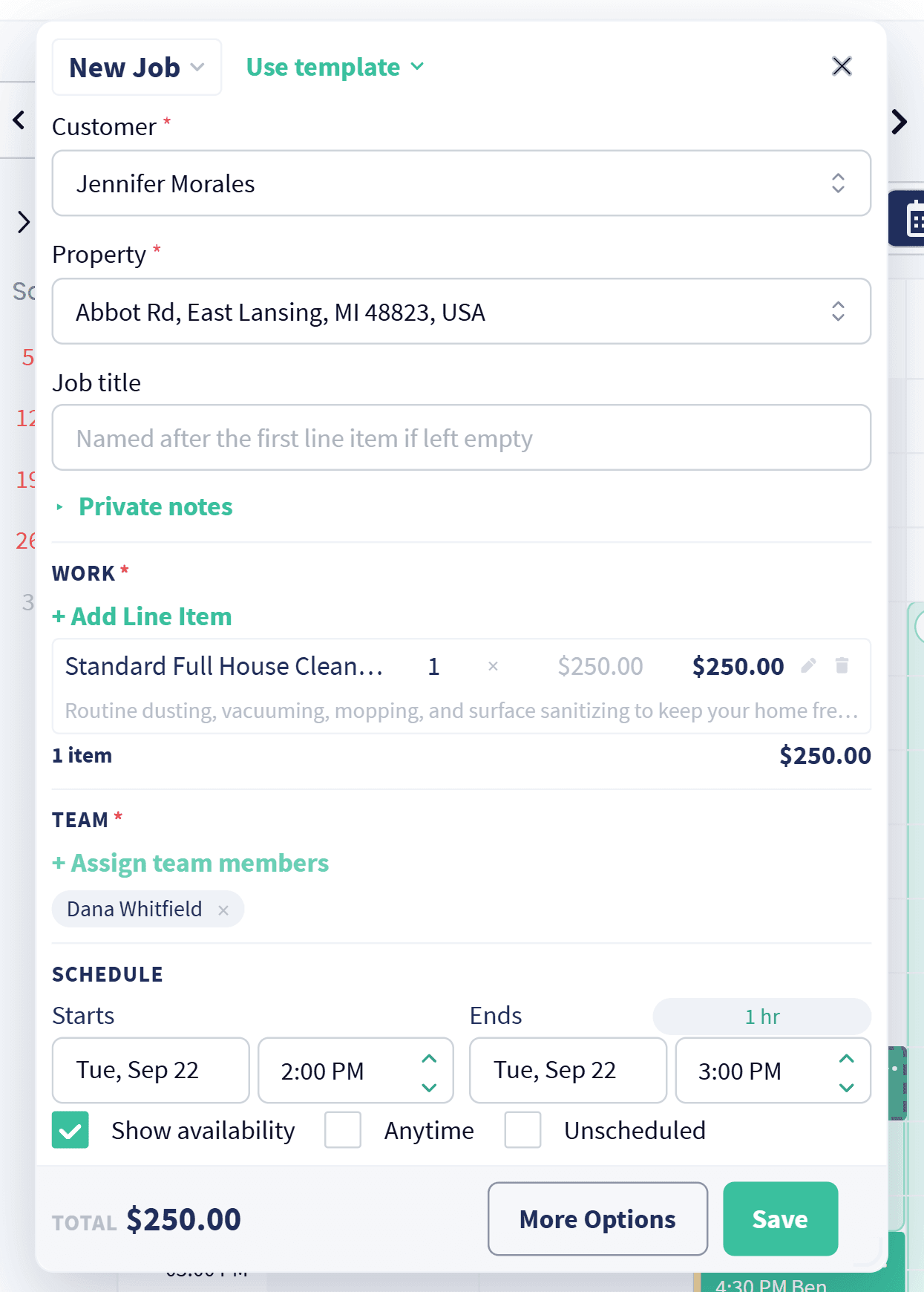
Book It While They Are On The Phone
Quick Schedule
One window on the calendar, and the job is booked.
Everything in one window: Customer, property, the work, who is going and when, without leaving the schedule.
Start from a template: Pull a saved job or estimate template in and the line items and pricing are already filled in.
See who is free: Availability shows as you pick the time, so you stop double booking a crew.
Estimates too: Book an estimate the same way, or drop the work in as unscheduled and place it later.
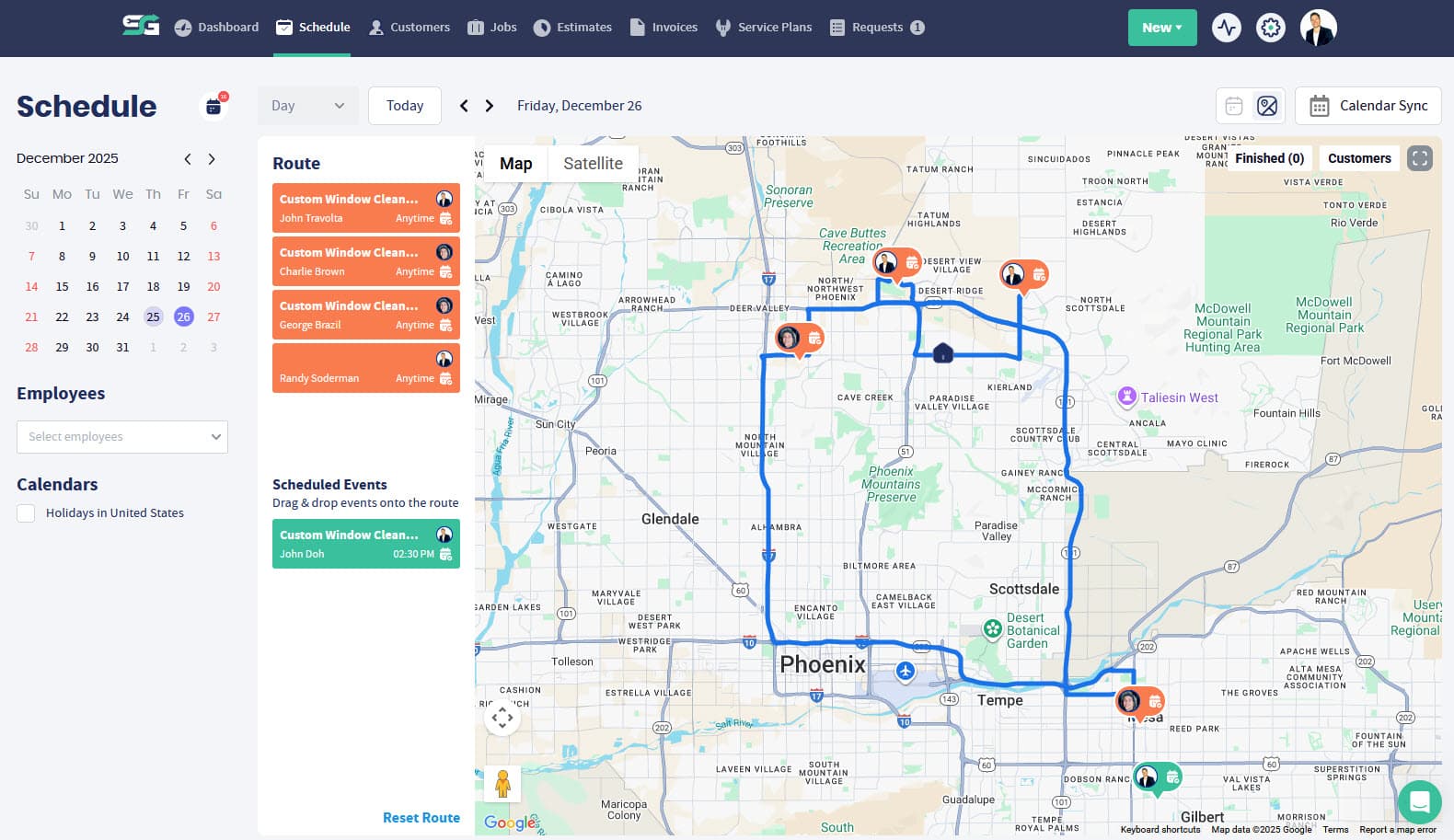
Map View
Dispatch From the Map (Cut Drive Time, Add Capacity)
Your dispatch board should show reality, not guesses.
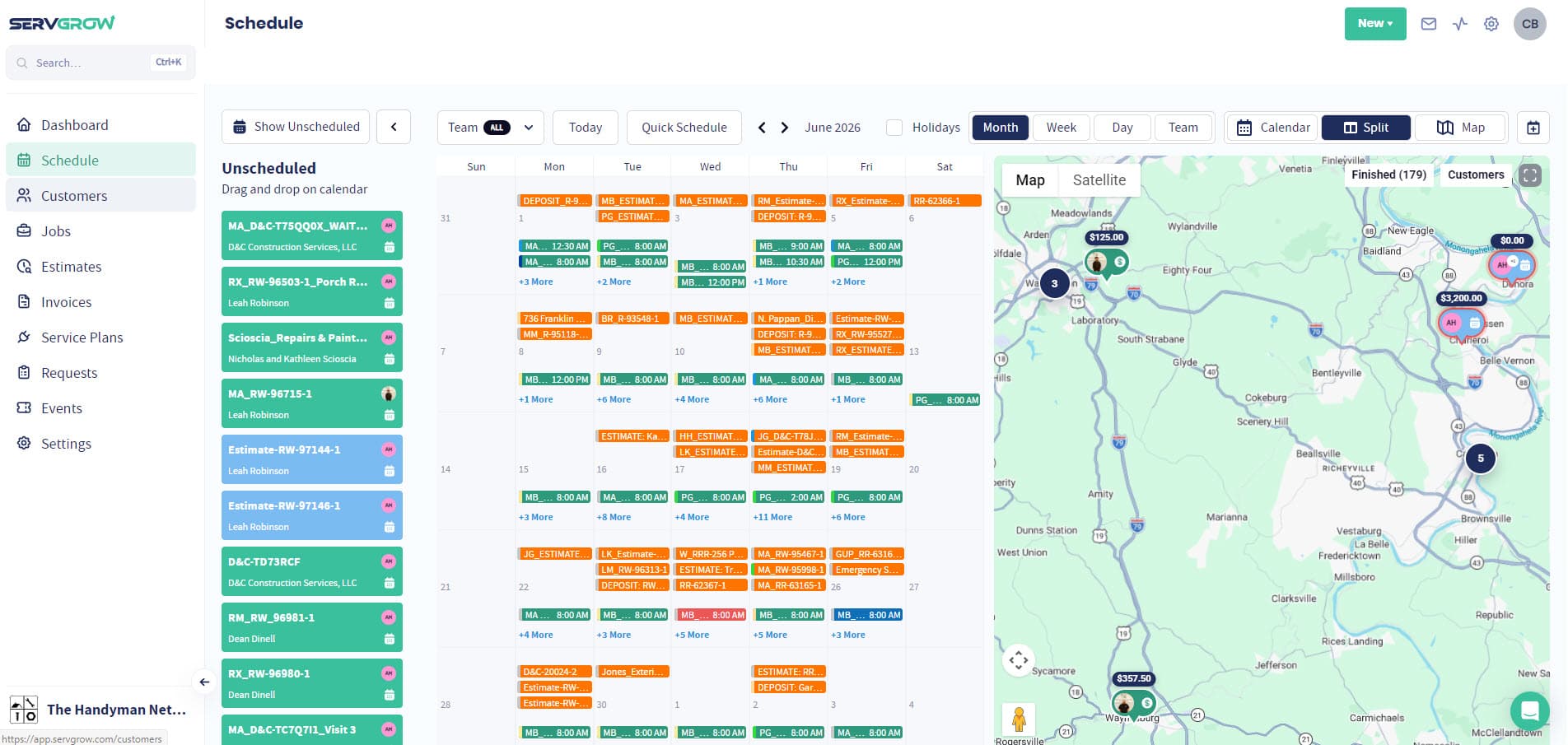
Map View for easy dispatch changes: Reassign work based on proximity and traffic in real time.
Route optimization mindset: Stack jobs by area to reduce drive time.
Smarter gaps: Fill open windows with nearby unscheduled work instead of dead miles.
Drive time between stops: See how long it really takes to get from one stop to the next and build the day around it.
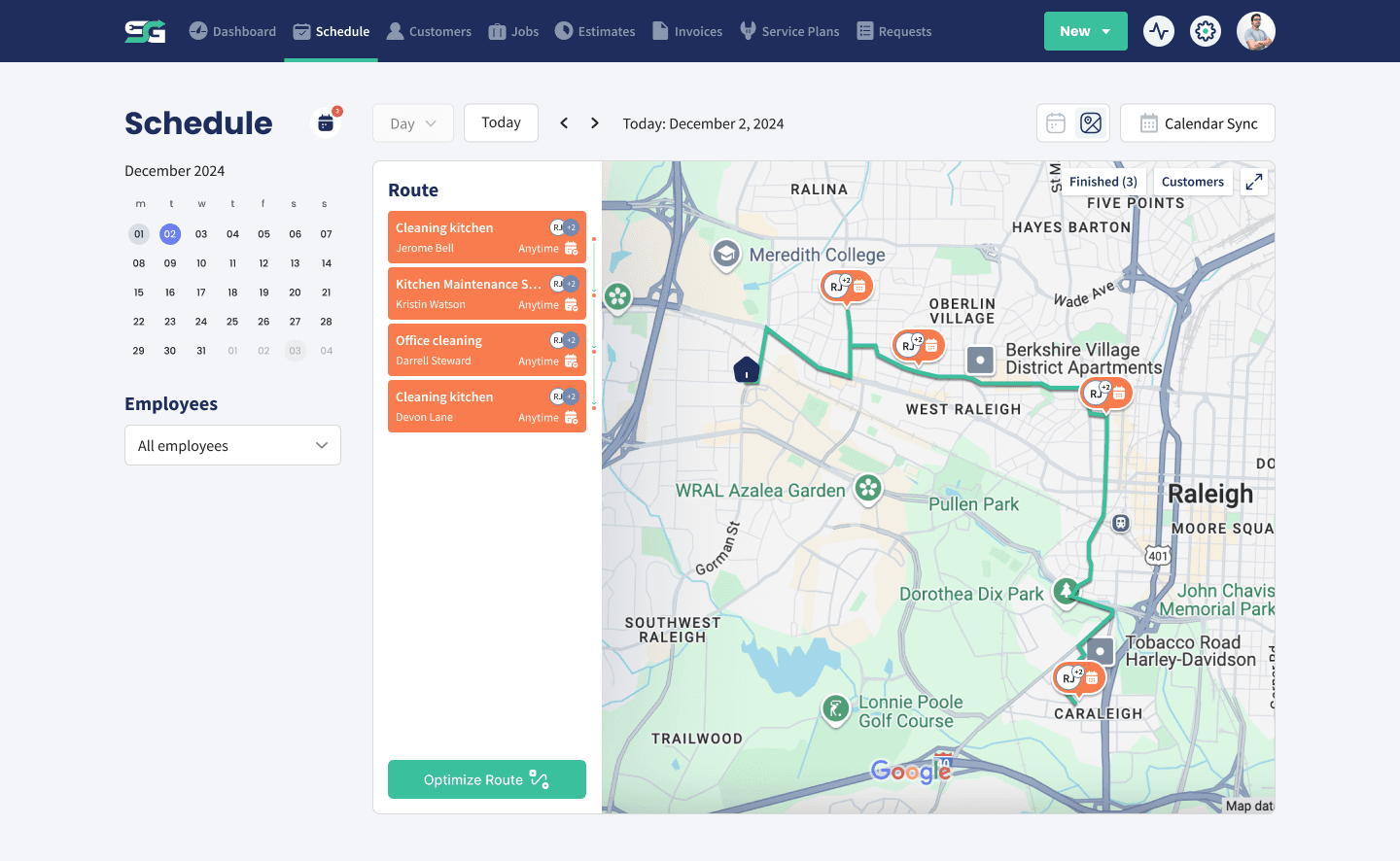
Fill The Gaps
Schedule Unscheduled Work by Area
Assign the backlog to whoever is already nearby.
See where crews are now: Check which techs are currently working in that part of town.
Assign to the closest tech: Give an unscheduled job or estimate to somebody already in the area.
Less dead mileage: Work gets slotted in around where the team already is.
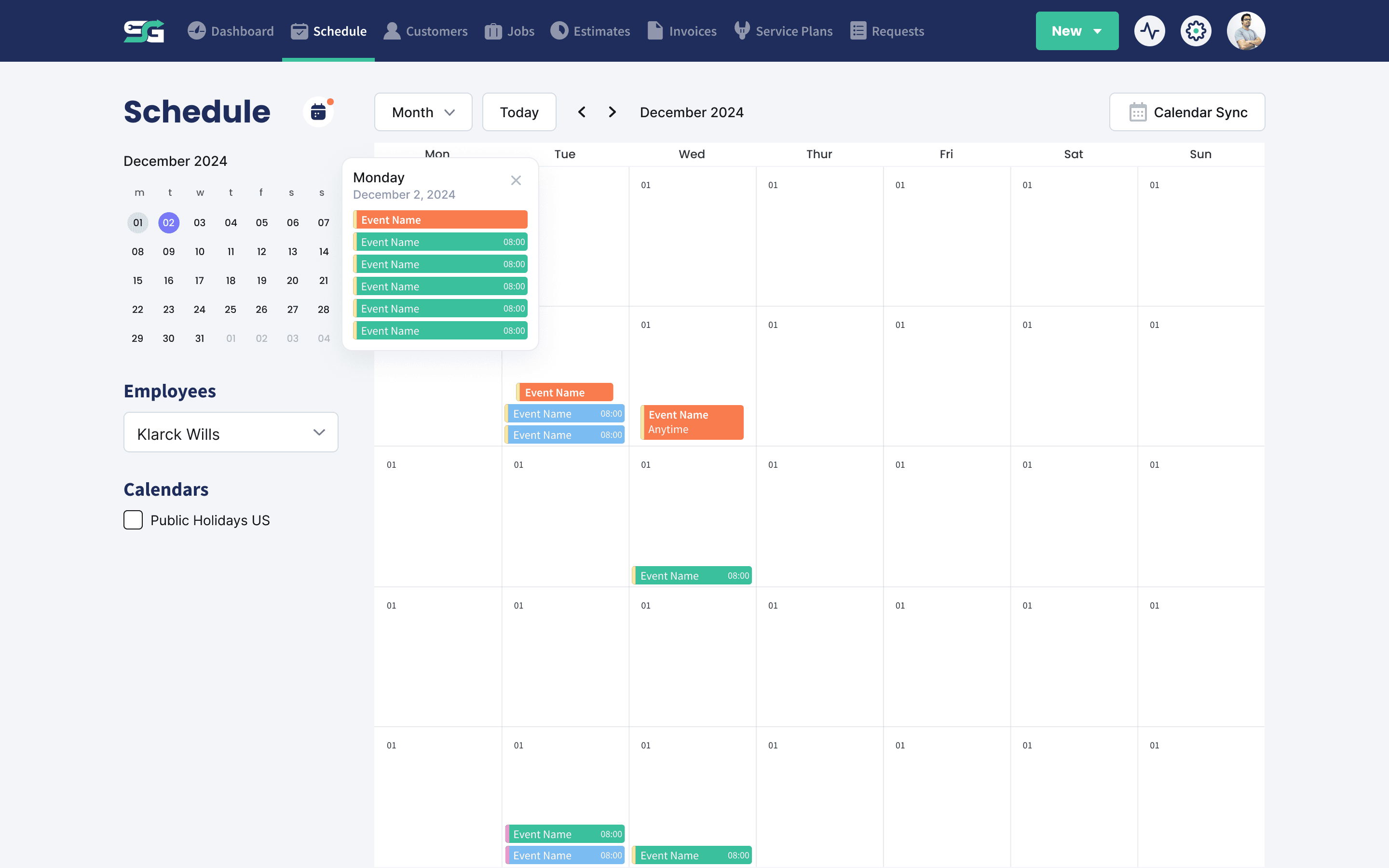
Calendar Sync
Syncs With the Calendars You Already Use
Your schedule shows up where your team already looks.
Works with all calendars: Keep Servgrow in step with the calendar your team already lives in.
One schedule, everywhere: No separate diary to keep updated by hand.
Drag and drop still rules: Move a job in Servgrow and the change carries across.
Meetings and time off on the calendar: Put events like meetings, training and time off on the schedule, so nobody gets booked into time that is already spoken for.
Speed Wins
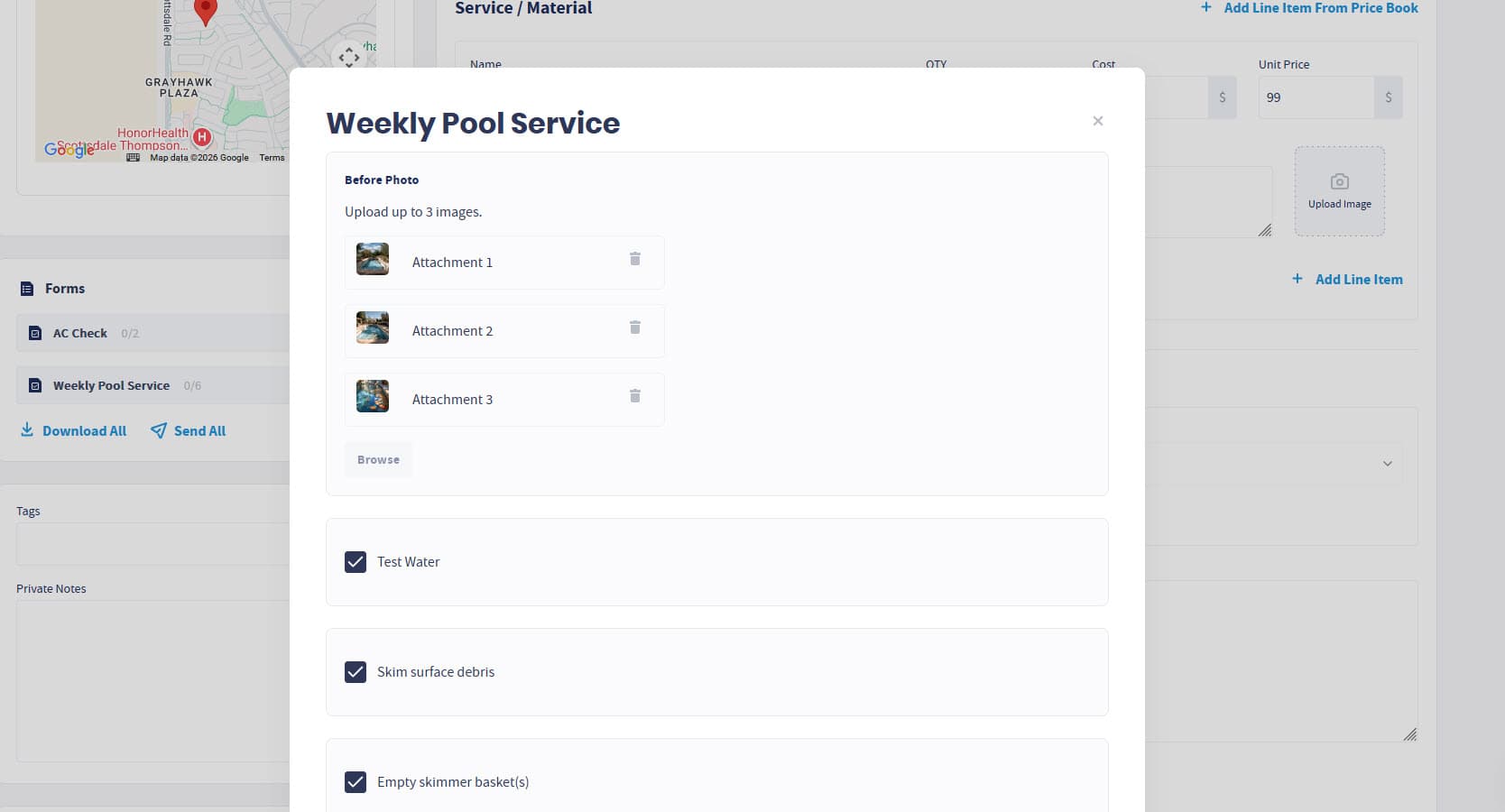
Tech-Ready Job Details (Less Calling, Fewer Mistakes)
Give the crew everything they need before they arrive.
Job details + forms: Notes, checklists, photos, and required fields, right on mobile.
Consistent service quality: Every tech follows the same process, every time.
Faster closeouts: Clean job info makes invoicing and follow-ups painless.
Customer Experience
Customer Updates + Live Progress (Trust You Can Feel)
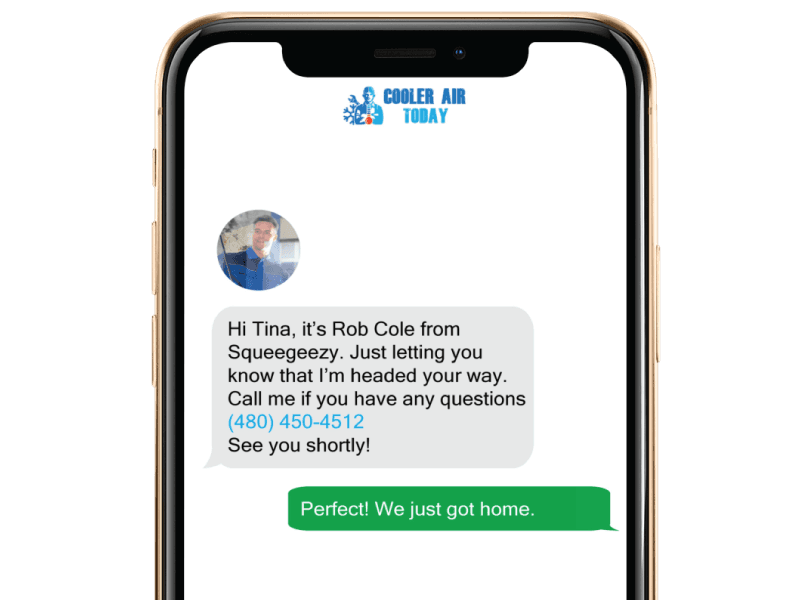
Professional communication is the easiest “upgrade” you can make.
Appointment reminders: Reduce no-shows and last-minute “wait, when are you coming?” calls.
“On My Way” text: Customers get a heads-up when the crew is rolling.
Real-time crew tracking: Managers see progress live and can proactively handle delays.
Wrap Up: Why Use Servgrow's Scheduling & Dispatch
Scheduling and dispatch is where profit is won or lost. Servgrow helps you run leaner routes, keep techs focused, keep customers informed, and keep the entire day moving, even when it changes by the minute. If you want fewer fires, more completed jobs, and a calendar you actually trust, this is the feature that transforms your operation.