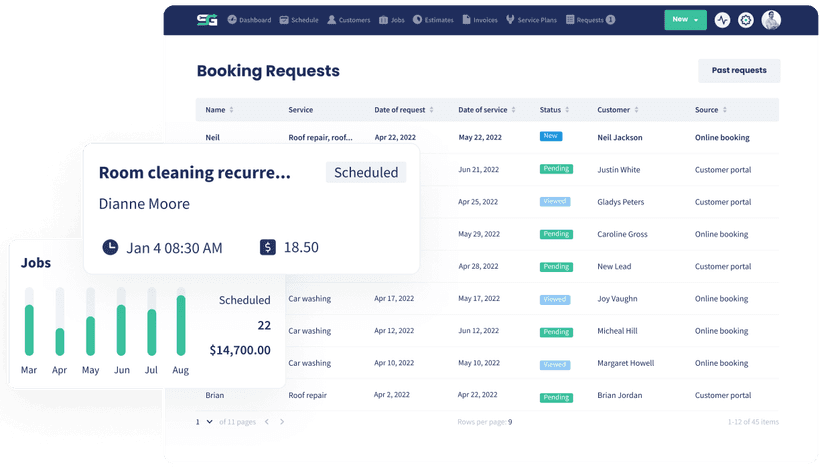
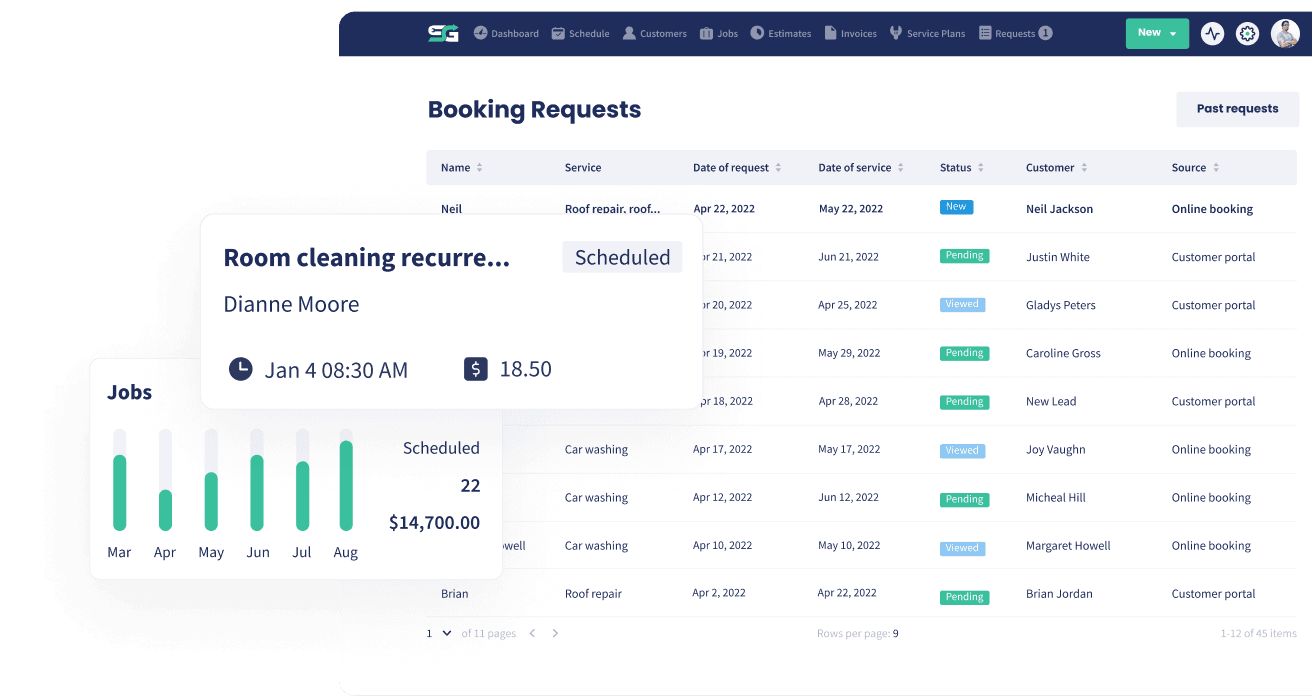
Automated Follow-Ups (SMS & Email)
The follow-up you mean to send, sent every time
A check-in after the job, a thank-you when an estimate is approved, a second chance when one is declined, a happy birthday every year. Set it up once and Servgrow sends the right text or email at the right moment, for every customer, without anyone remembering.
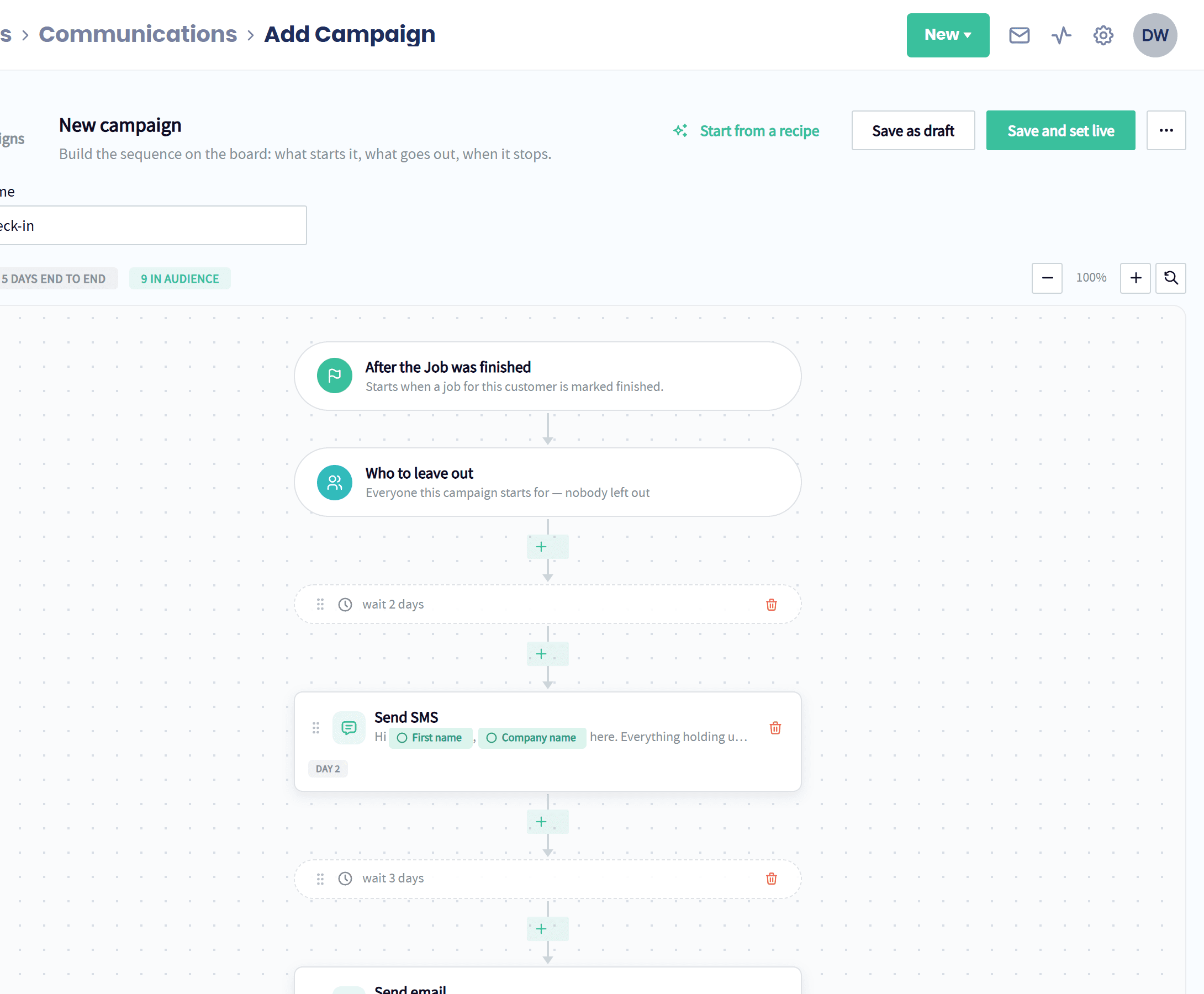
How Automated Follow-Ups Benefit Your Business
Great follow-up is what separates the busiest companies from everyone else, and it is the first thing that slips when the schedule gets full. Automated Follow-Ups make it impossible to forget. The moment something happens in Servgrow, a job finishes, an estimate is approved, an invoice comes due, a booking request arrives, the right sequence of texts and emails starts on its own. Customers feel looked after, more estimates turn into jobs, invoices get paid sooner and your team never has to keep a sticky-note list again.
Triggers
Triggered by What Happens in Your Business
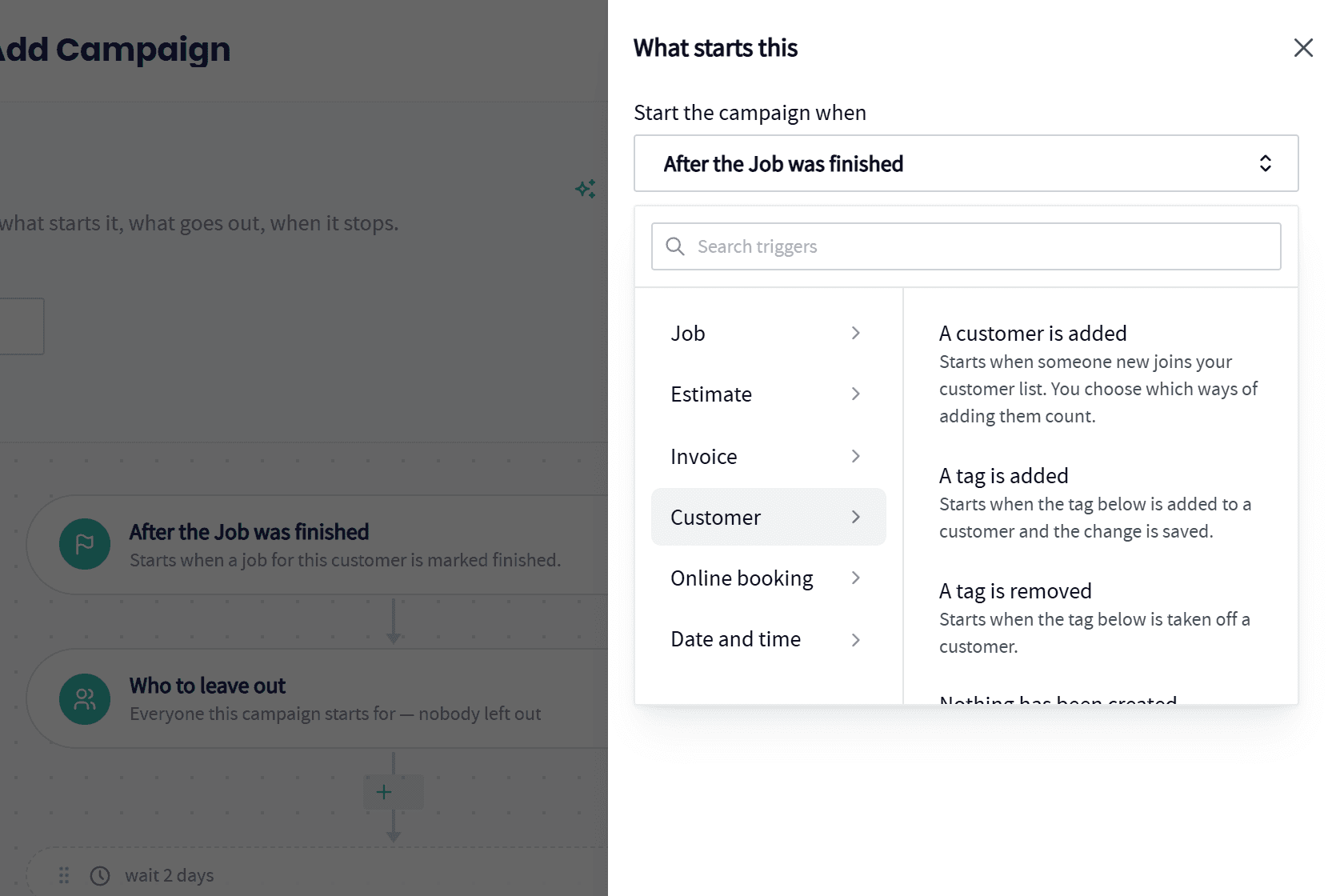
Pick the moment that starts the follow-up. Servgrow watches for it on every customer.
Jobs: When a job is scheduled, rescheduled, canceled or finished.
Estimates: When an estimate is scheduled, approved, declined or canceled.
Invoices: When an invoice is sent, paid in full, about to come due or past due.
Customers: When a customer is added, a tag is added or removed, or their birthday is coming up.
Online booking: When a request comes in from your booking form.
Date and time: On the exact date and time you pick.
Sequences
Text and Email, in the Right Order, Then It Stops
Build the sequence on a simple board, and decide exactly when it ends.
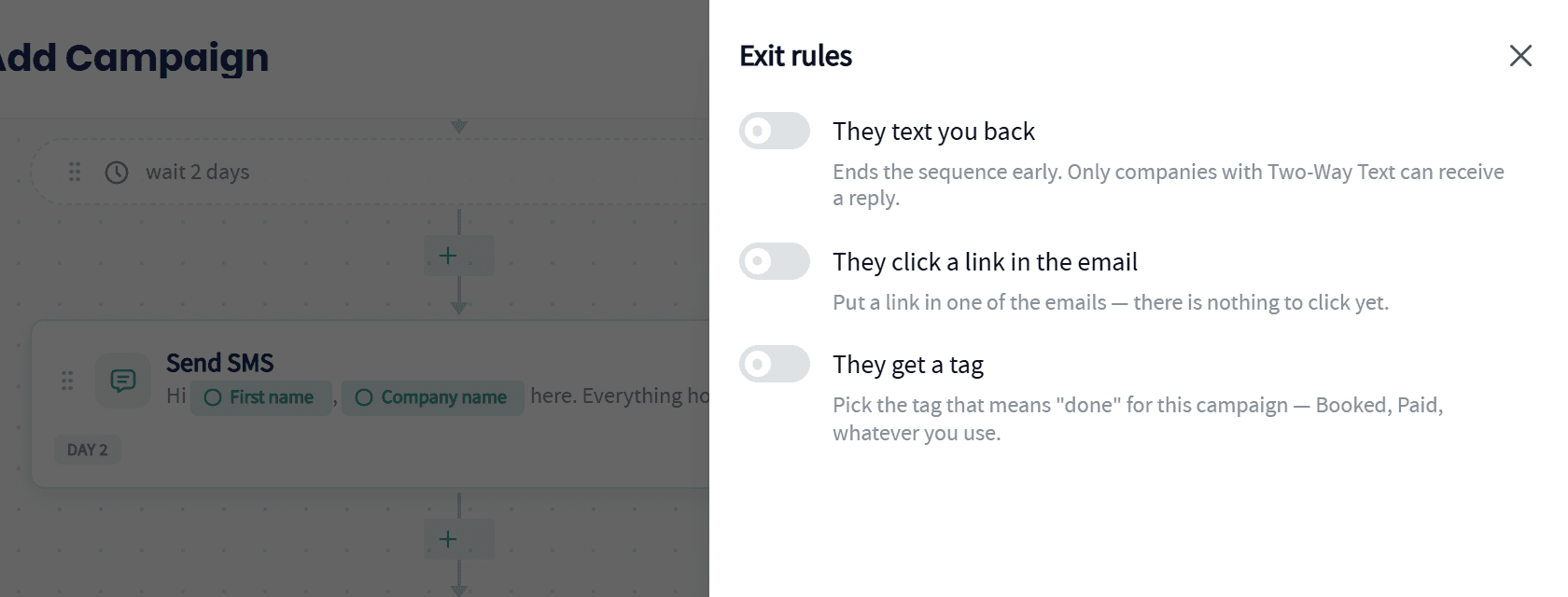
Mix texts, emails and waits: A text two days after the job, an email three days later if they stay quiet.
Stops when they reply: A customer who texts you back stops getting the rest of the sequence.
Stops when they click: Once they click the link in your email, the job is done.
Stops when they get a tag: Pick the tag that means done, like Booked or Paid, and the sequence ends the moment it is added.
Birthdays and Seasons
Birthdays and Seasonal Touches, Every Year
The personal touches that keep customers loyal, on autopilot.
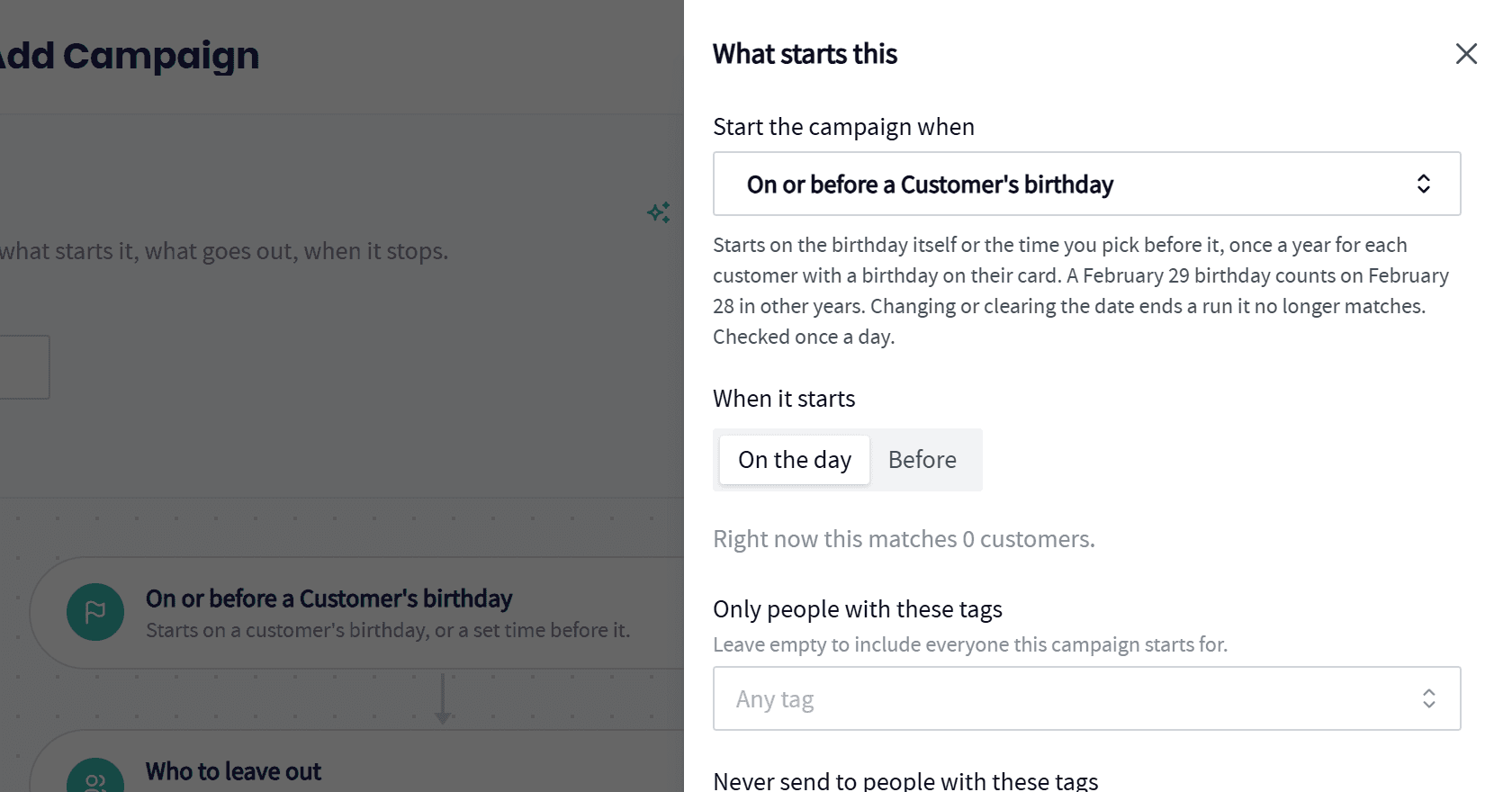
Birthday wishes: Send a note on each customer's birthday, or a few days before, once a year, from the birthday on their profile.
Seasonal reminders: Line up spring and fall work on the dates you pick, before the phone starts ringing.
Only the right customers: Include or leave out customers by tag, so each touch reaches the people it fits.
Ready-made recipes: Start from a post-job check-in, a new customer welcome or a new enquiry follow-up and tune it.
Wrap Up: Why Use Servgrow Automated Follow-Ups
Every finished job, approved estimate, sent invoice and new customer is a moment to impress, and most businesses let them pass. Automated Follow-Ups catch every one of them with a well-written text or email, then step aside the moment the customer responds. More reviews, more repeat work, faster payments and happier customers, without adding a single task to anyone's day.