Expense Tracking
Know what every job really costs
Log an expense the moment it happens, attach the receipt, mark whether it is reimbursable and link it to the job or estimate it belongs to. Your job costs stay honest and your bookkeeping stops being a monthly archaeology project.
How Expense Tracking Benefits Your Business
Revenue is easy to see and spend is easy to lose. Fuel, parts, a run to the supply house, something a tech bought out of their own pocket, none of it feels like much until the end of the month when the numbers do not add up. Servgrow lets anyone log an expense as it happens, with the receipt attached and an accounting code on it, and link it to the job it belongs to. You find out which jobs were actually profitable, reimbursements stop being guesswork, and your books are already sorted when it is time to close them.
Capture It
Log Expenses As They Happen
Recorded at the counter, not from memory a week later.
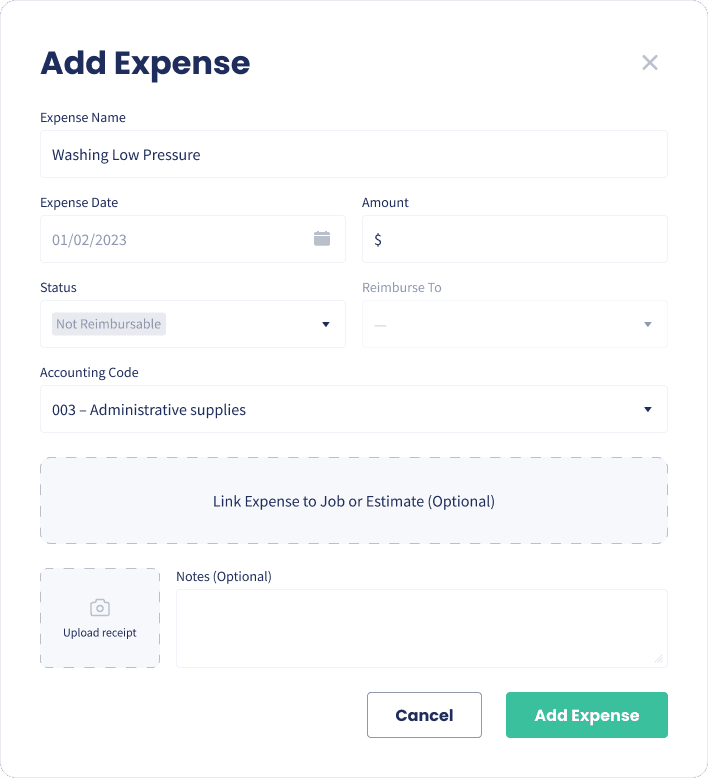
Name, date and amount: The basics captured in seconds while it is still fresh.
Upload the receipt: Photograph the receipt and attach it to the expense on the spot.
Add notes: Explain the spend now so nobody has to work it out later.
Reimbursements
Reimbursable or Not
Sort out who is owed what, as you go.
Mark the status: Flag each expense as reimbursable or not when it is logged.
Say who it goes back to: Record which team member is being reimbursed.
No awkward payday: Nobody has to produce a shoebox of receipts at the end of the month.
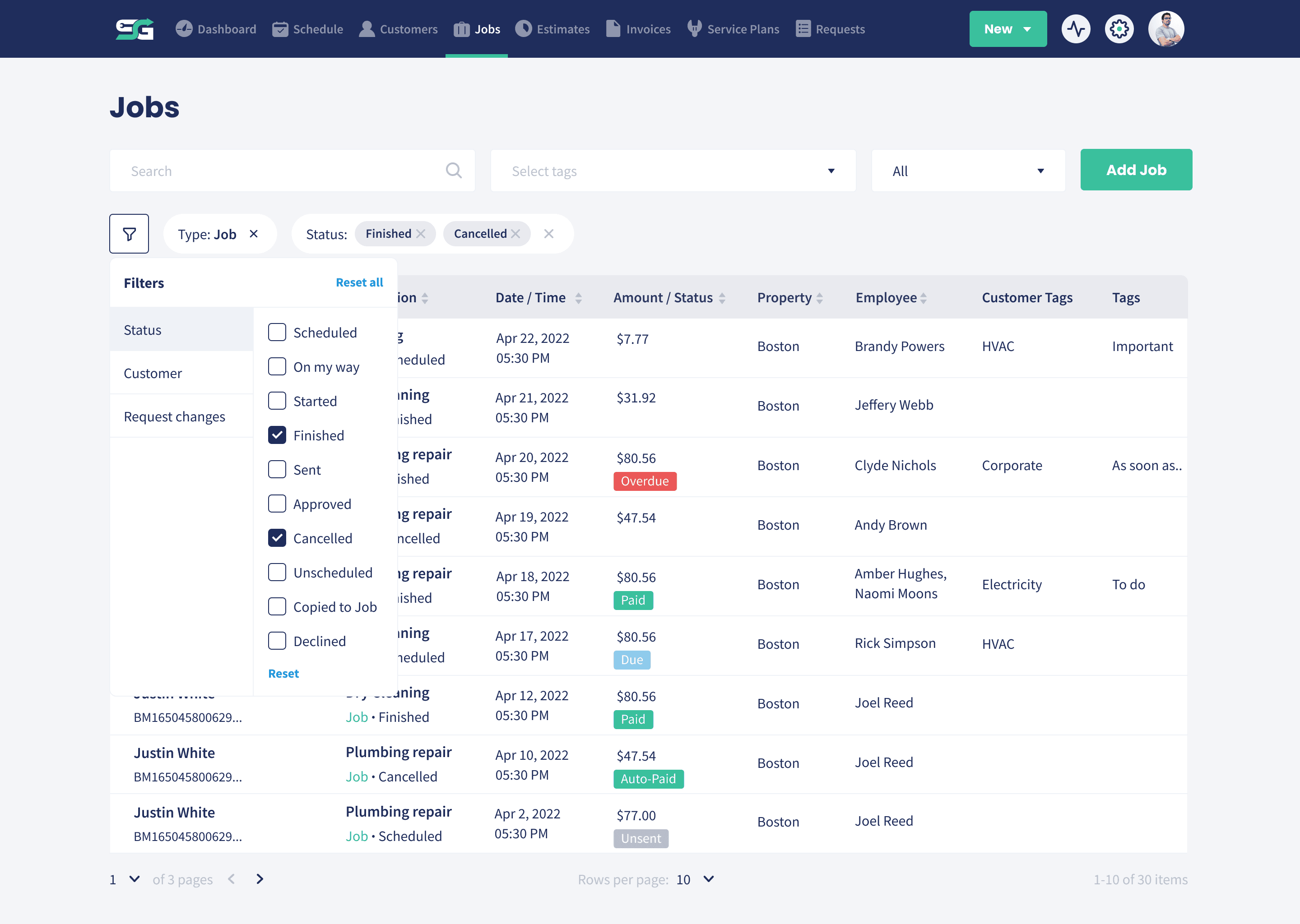
True Job Cost
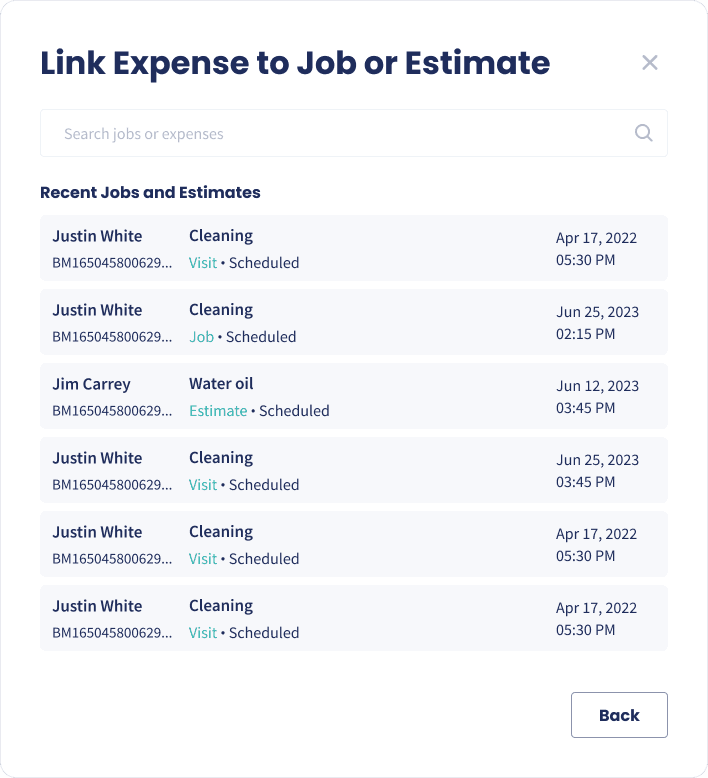
Link to a Job or Estimate
Put the spend against the work it belongs to.
Attach it to the job: Link an expense to the job or estimate it was incurred on.
Real profitability: See what a job cost once materials and extras are counted.
Sharper estimates next time: Price the next one from what the last one actually cost.
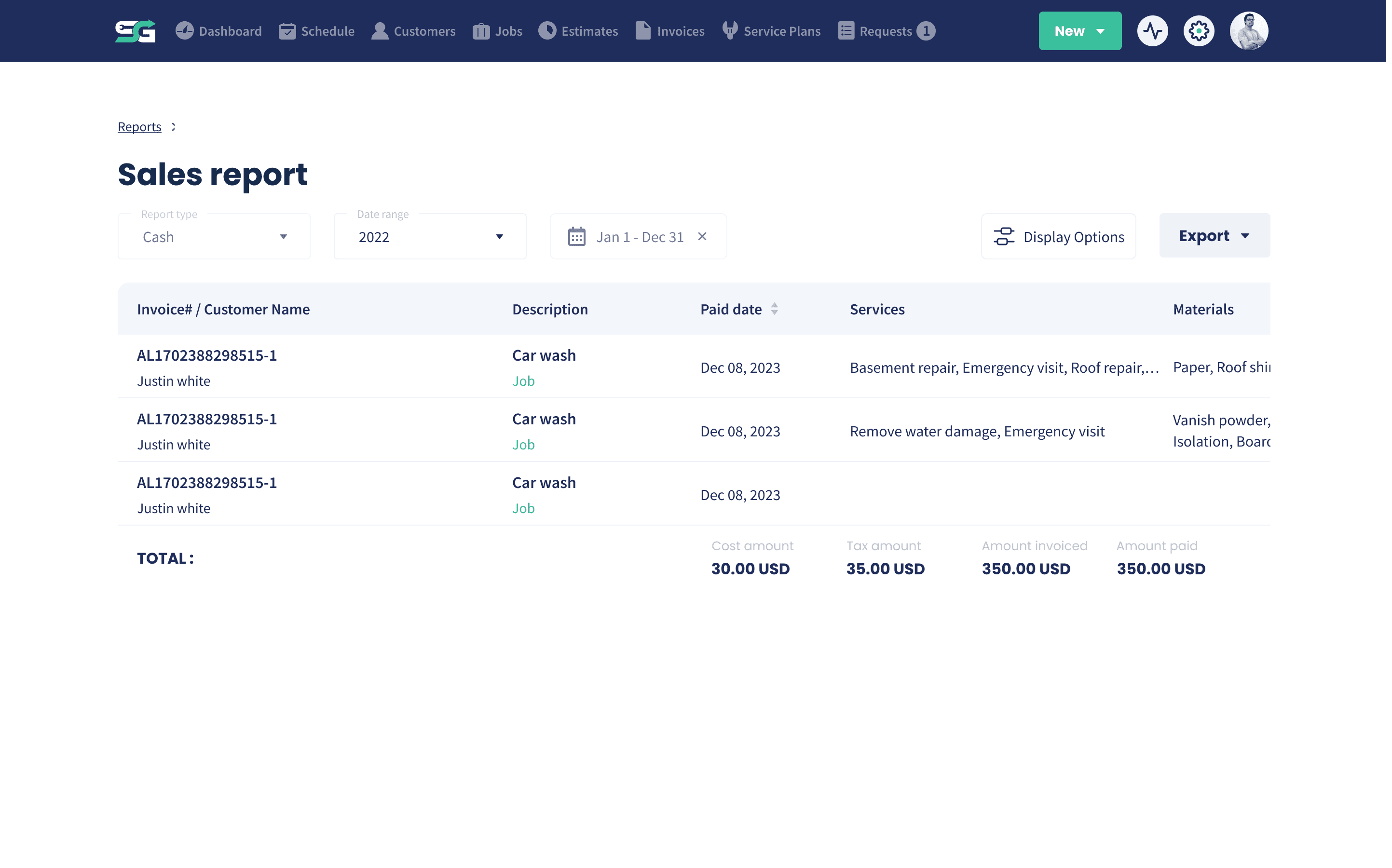
Clean Books
Accounting Codes
Categorized before it ever reaches your bookkeeper.
Code as you go: Assign an accounting code to each expense when it is entered.
Consistent categories: The same codes across the team, so the reporting means something.
Faster month end: Nothing to re-sort, because it was sorted on the day.
Wrap Up: Why Use Servgrow Expense Tracking
You cannot fix margins you cannot see. Servgrow makes logging an expense a ten second job with the receipt attached, the code applied and the job it belongs to linked. Reimbursements are clear, job costs are real, and the month end close stops being a hunt through the truck for paperwork.