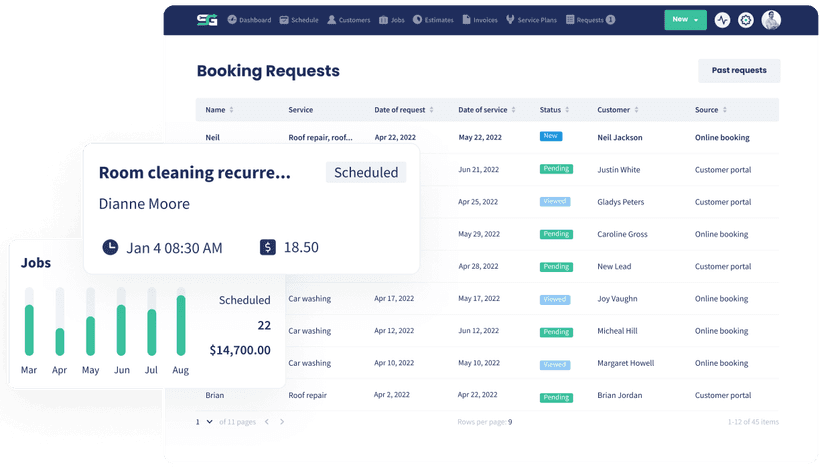
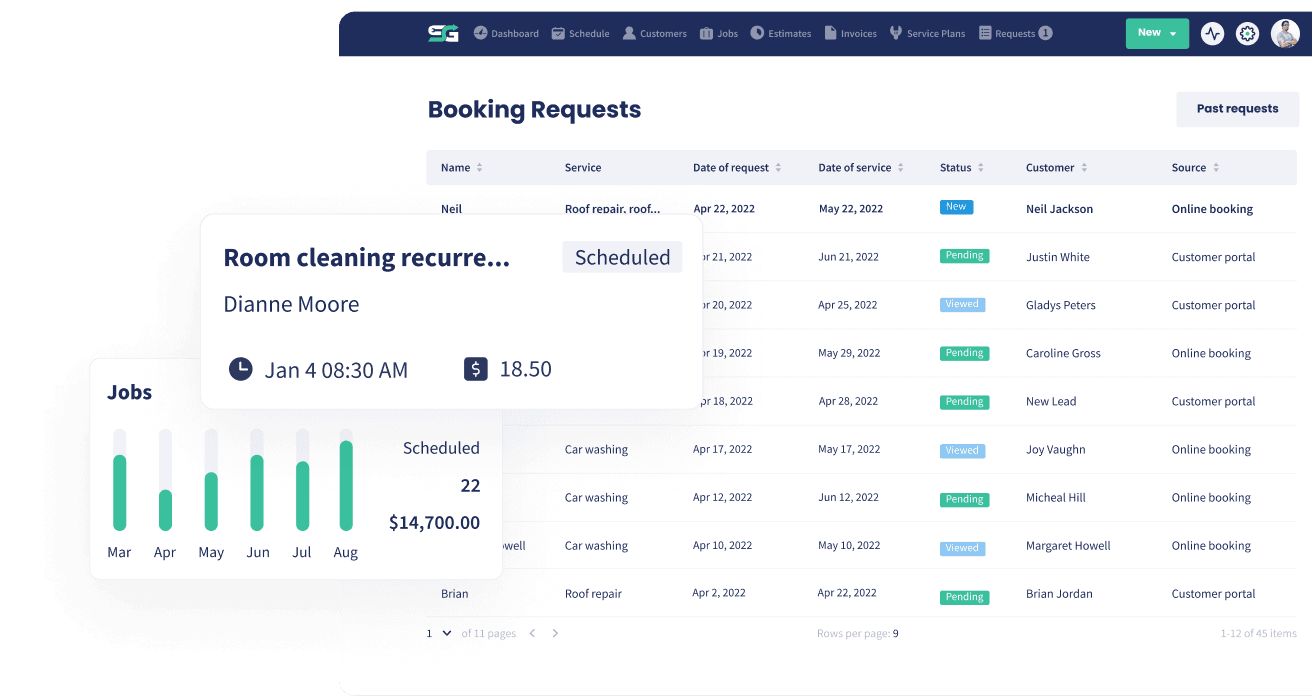
Sales Reporting
Run on numbers, not gut feel
See what you sold, what you collected and where it came from, over any date range you choose. Pick the columns that matter to your business, export it when you need to, and keep QuickBooks in step without double entry.
How Sales Reporting Benefits Your Business
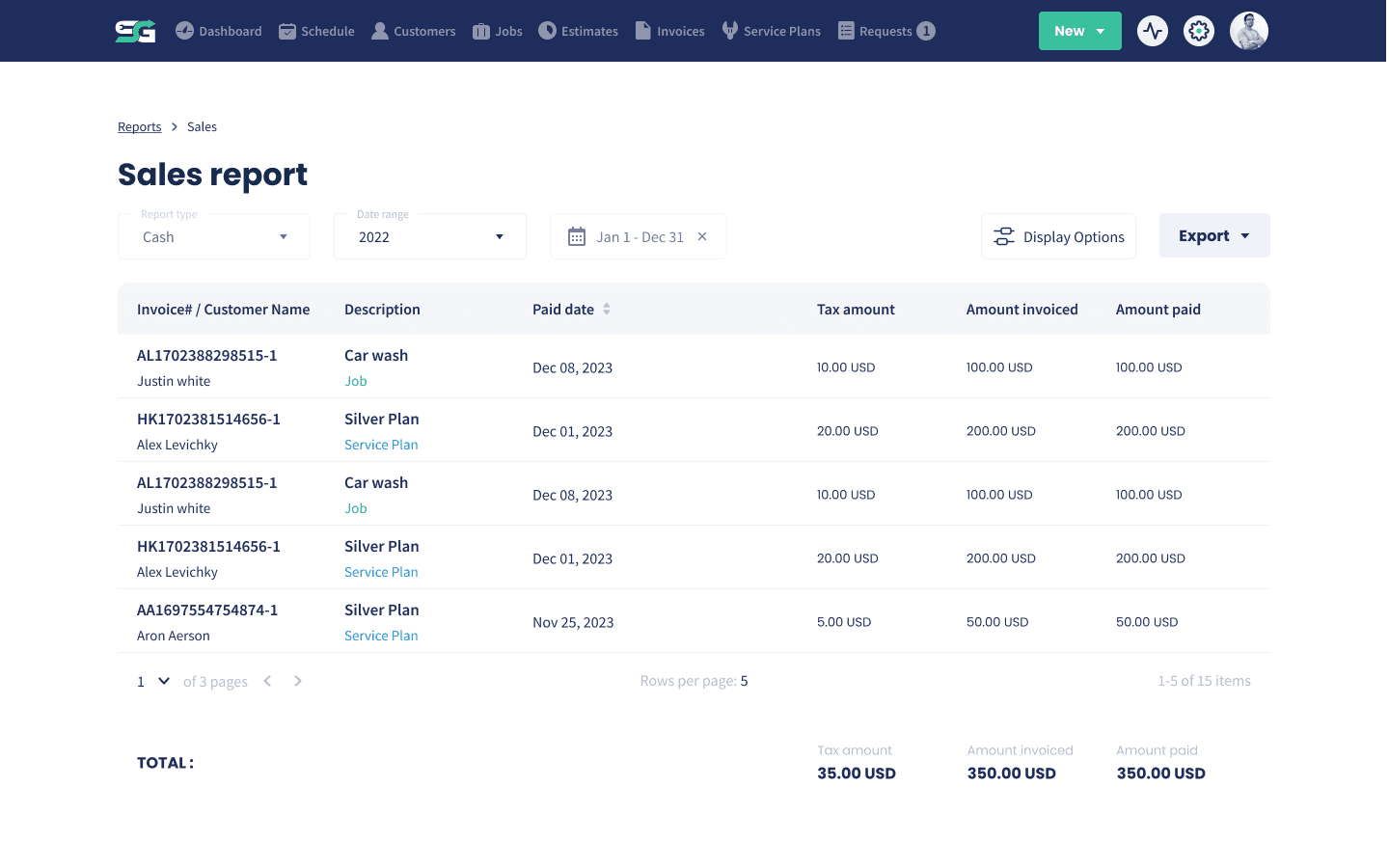
Most owners can tell you how busy they feel and very few can tell you what last month actually earned. Servgrow reporting turns the work you have already recorded into a straight answer: what was sold, what has been collected, which services bring the money in and how this month compares to the same month last year. It takes about a minute to look at, and it is the difference between deciding where to push and guessing.
Know Your Numbers
The Sales Report
The whole picture of what your business is earning.
What you actually sold: Revenue by the work you did, not a rough feeling about the month.
Spot the patterns: See which services and which periods are carrying the business.
Answers in a minute: Open the report and know where you stand.
Slice It Your Way
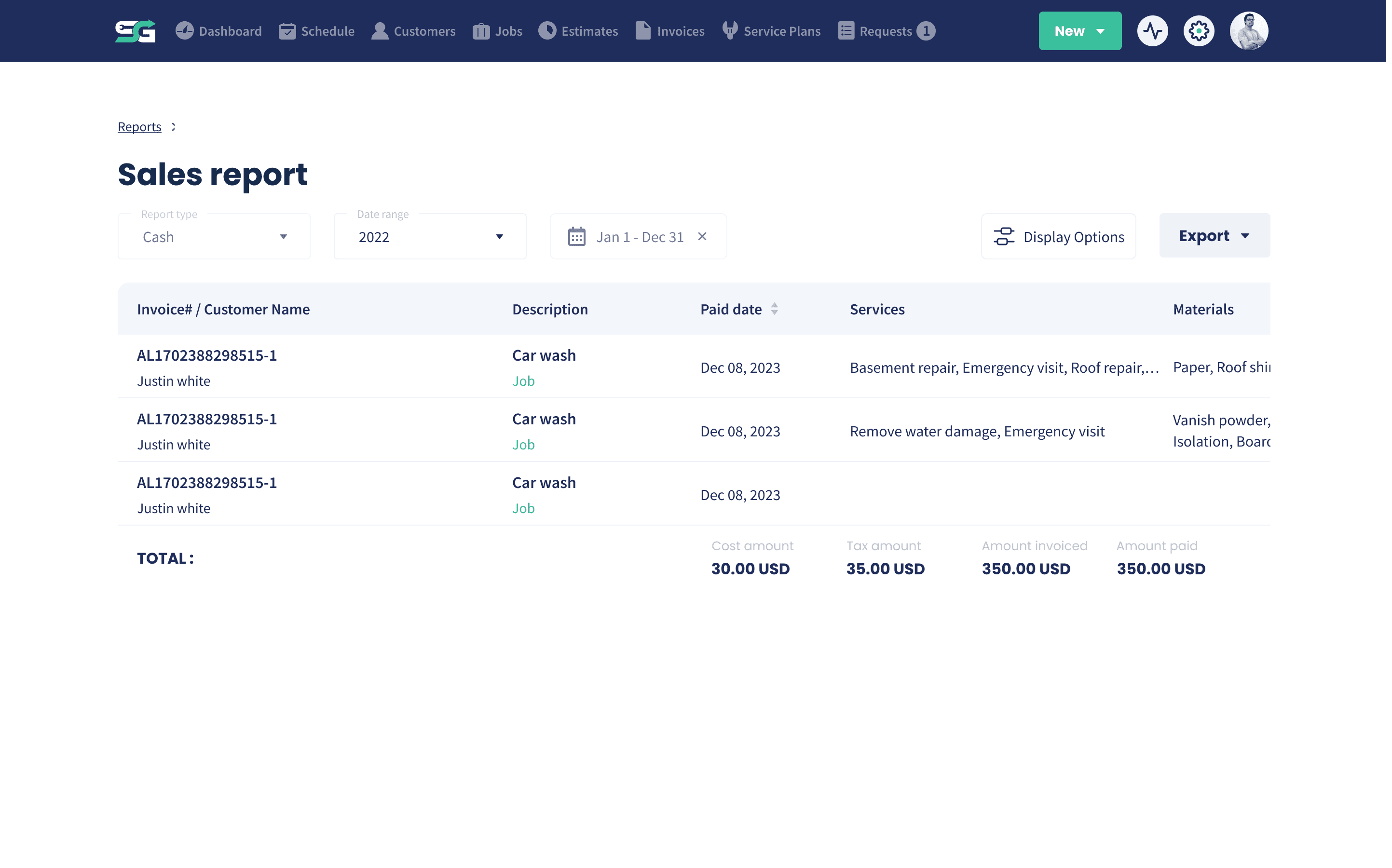
Filter, Sort and Choose Your Columns
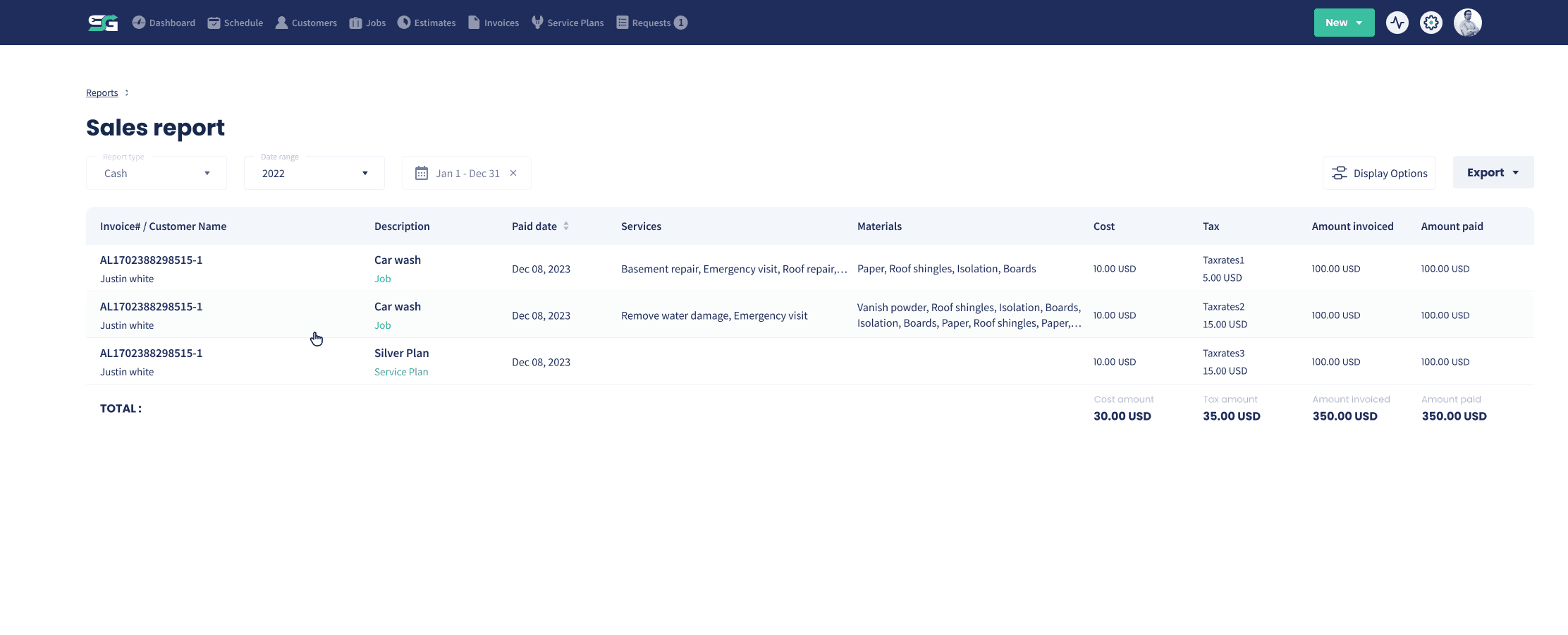
Look at the numbers the way your business thinks about them.
Any date range: Pick a custom range, a year, or compare like for like periods.
Choose your columns: Show the fields you care about and hide the ones you do not.
Display options: Arrange the report so the number you check most is the easiest to find.
Take It With You
Export Your Reports
Get the numbers out when somebody else needs them.
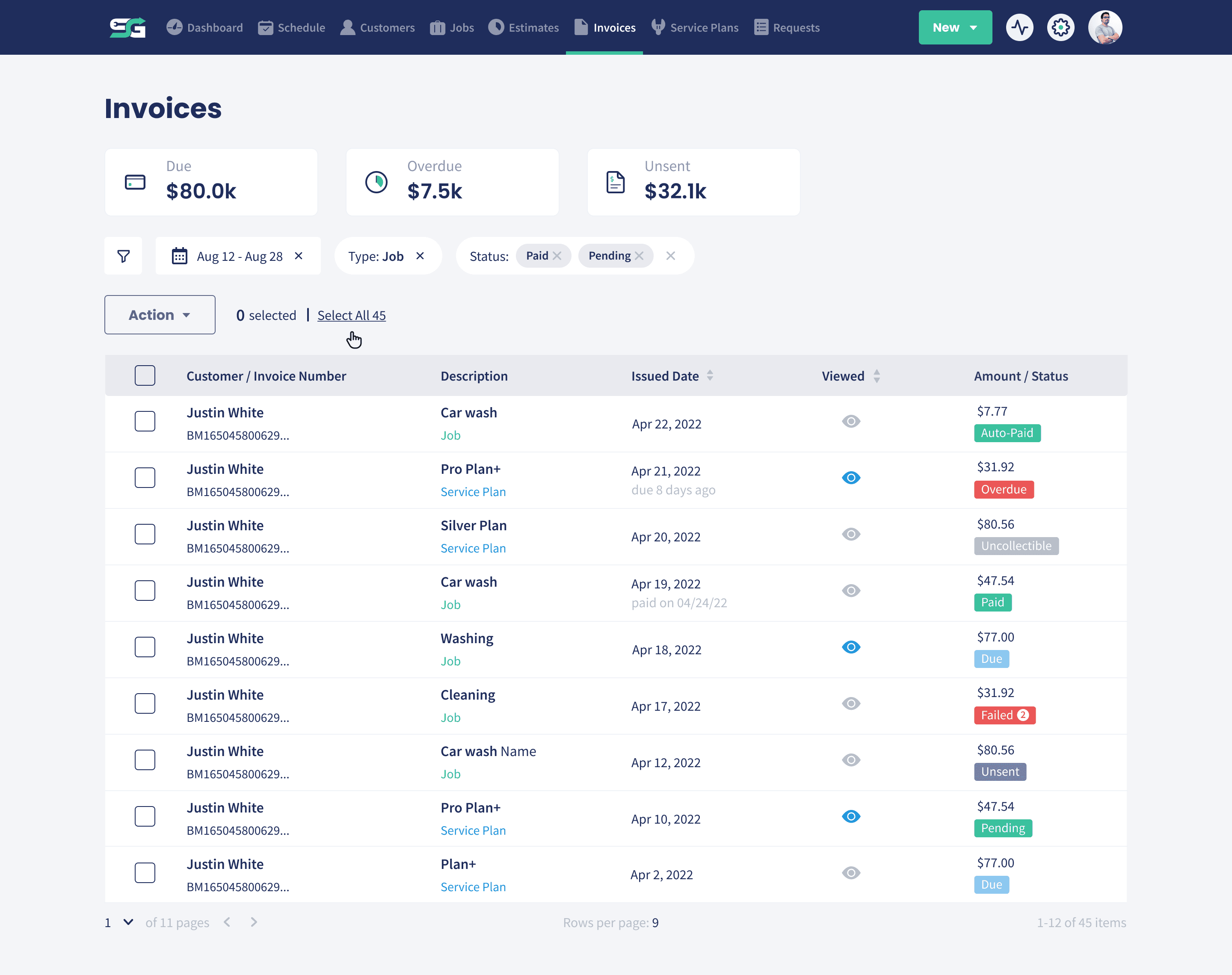
Export in a click: Send the report out for your accountant, your partner or your own records.
Nothing to rebuild: No copying figures into a spreadsheet by hand.
Share with confidence: The numbers come from the jobs and invoices you already have.
QuickBooks
QuickBooks Sync
Your books stay in step without double entry.
Sync your accounts: Connect QuickBooks and keep the two systems telling the same story.
Payments recorded for you: Payments taken in Servgrow record automatically once you have synced.
Less bookkeeping: Stop re-entering the same invoices in two places every week.
Wrap Up: Why Use Servgrow Reporting
Reporting is where a busy business becomes a well run one. Servgrow builds the numbers out of the work you have already recorded, lets you cut them the way you think, exports them when somebody else needs them, and keeps QuickBooks in step. You stop guessing at the state of the business and start making decisions on what is actually happening.