Customers
Managing Your Customer Records
Learn the steps to edit your customer's details or remove a customer from your records.
Updated October 4, 2022 · 1 min read
Information changes regularly, and we know that you'll need to perform this task at any time. So, we designed and organized the Customers tab to let you manage each of your customers and update what's needed quickly.
With that said, here are the different ways you will be able to manage each of your customers.
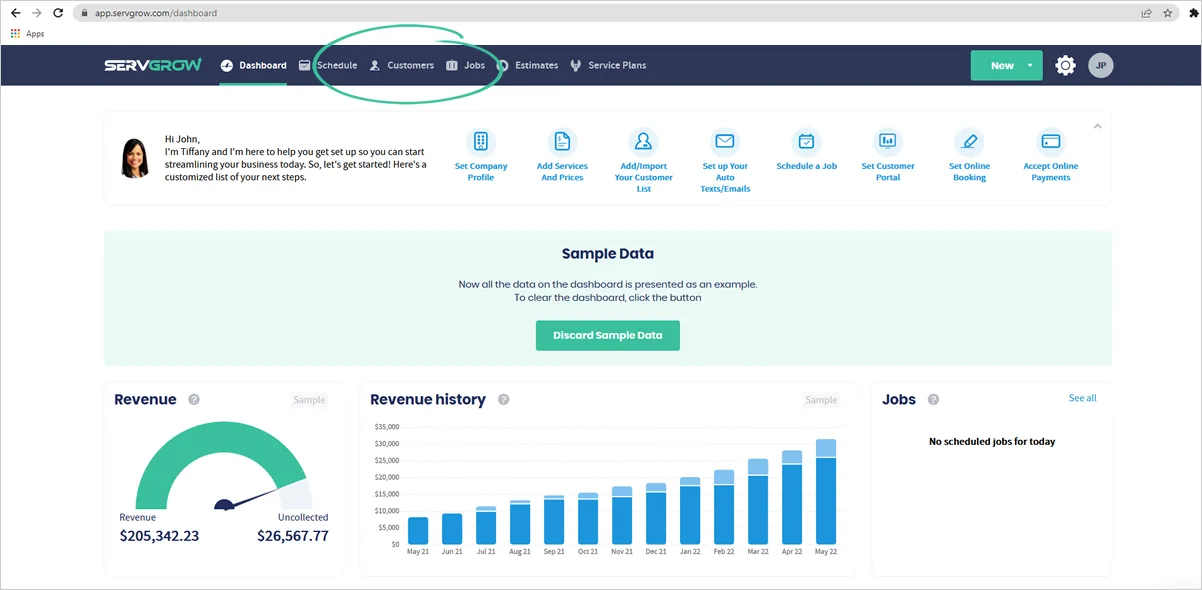
1. First, you must navigate to the 'Customer's' tab.
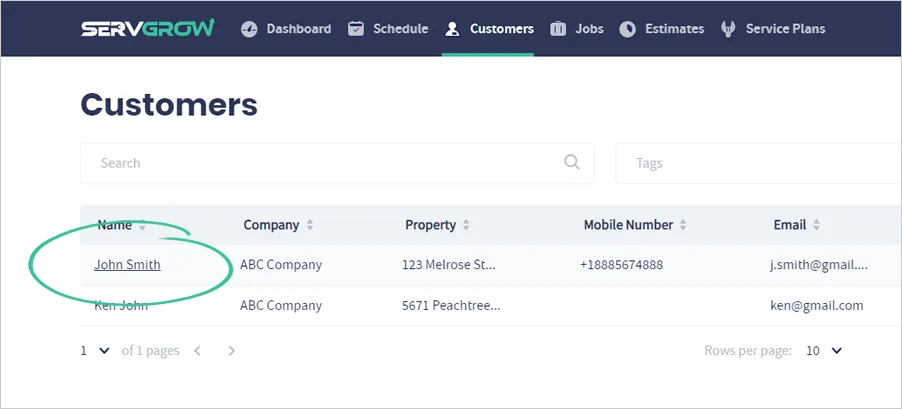
2. Click the customer's name to start editing it.
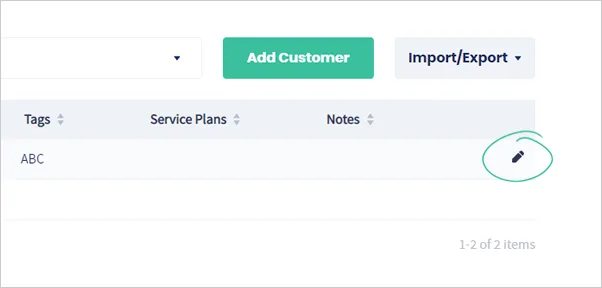
You can also click the pencil icon to edit a customer's information.
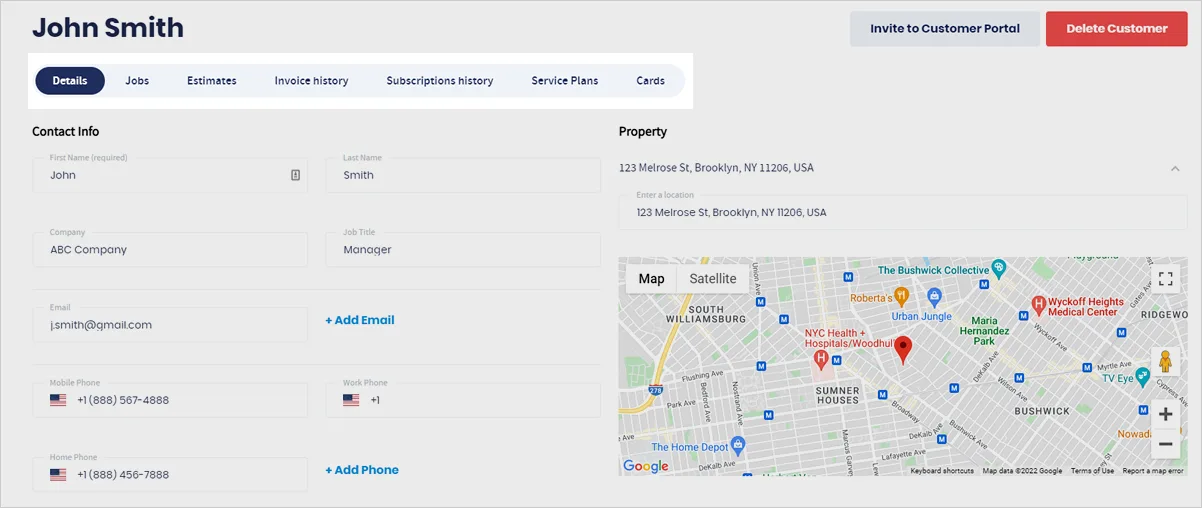
3. You will see that their information is divided into seven tabs. Each tab contains a specific information about the customer.
You can edit all the details here if needed.
What to learn about your customer's dashboard? Click here.
4. To remove a customer from your contact list, click 'Delete'.
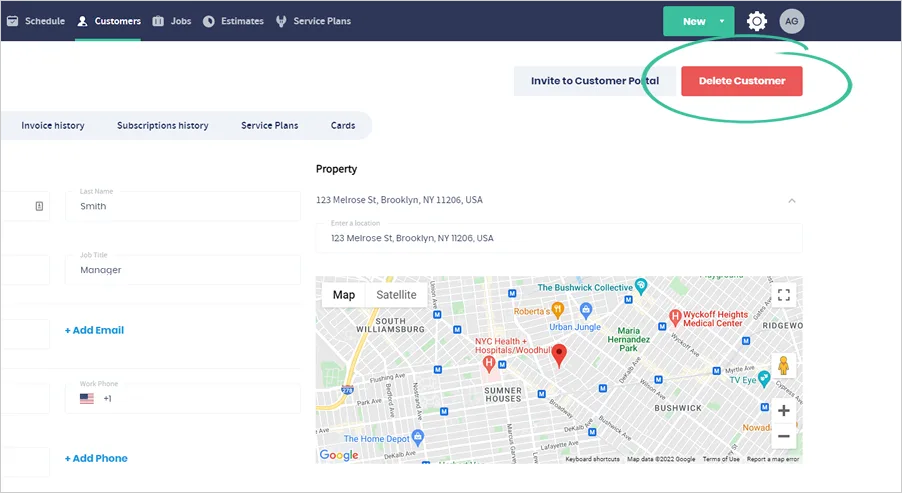
5. Click 'Delete Customer' to confirm.
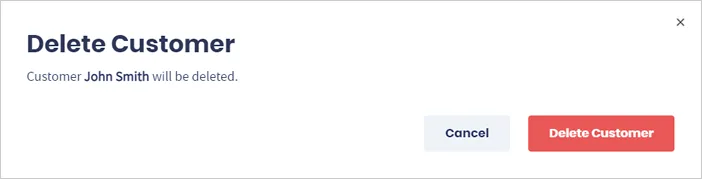
Note: Deleting a customer from the database can't be undone, so make sure you also have a backup of them by exporting your contacts straight from Servgrow.
Was this article helpful?