Scheduling & Dispatch
Staff and Scheduling
Servgrow generates visibility around your team's workload while also making staffing changes simple and easy.
Updated December 5, 2022 · 1 min read
If you need to make a staffing change for a job, you can "Select Team" to quickly change team members.
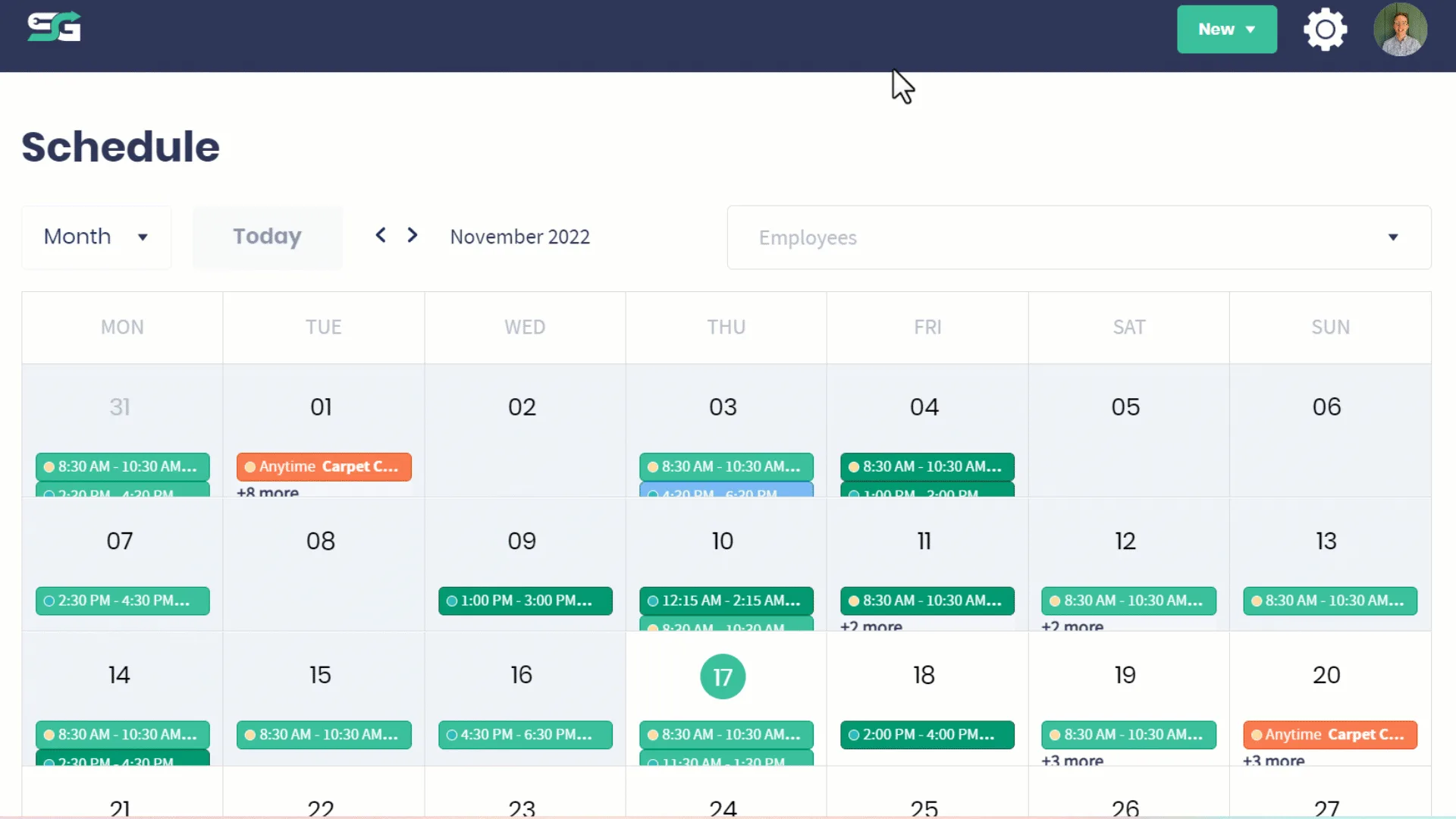
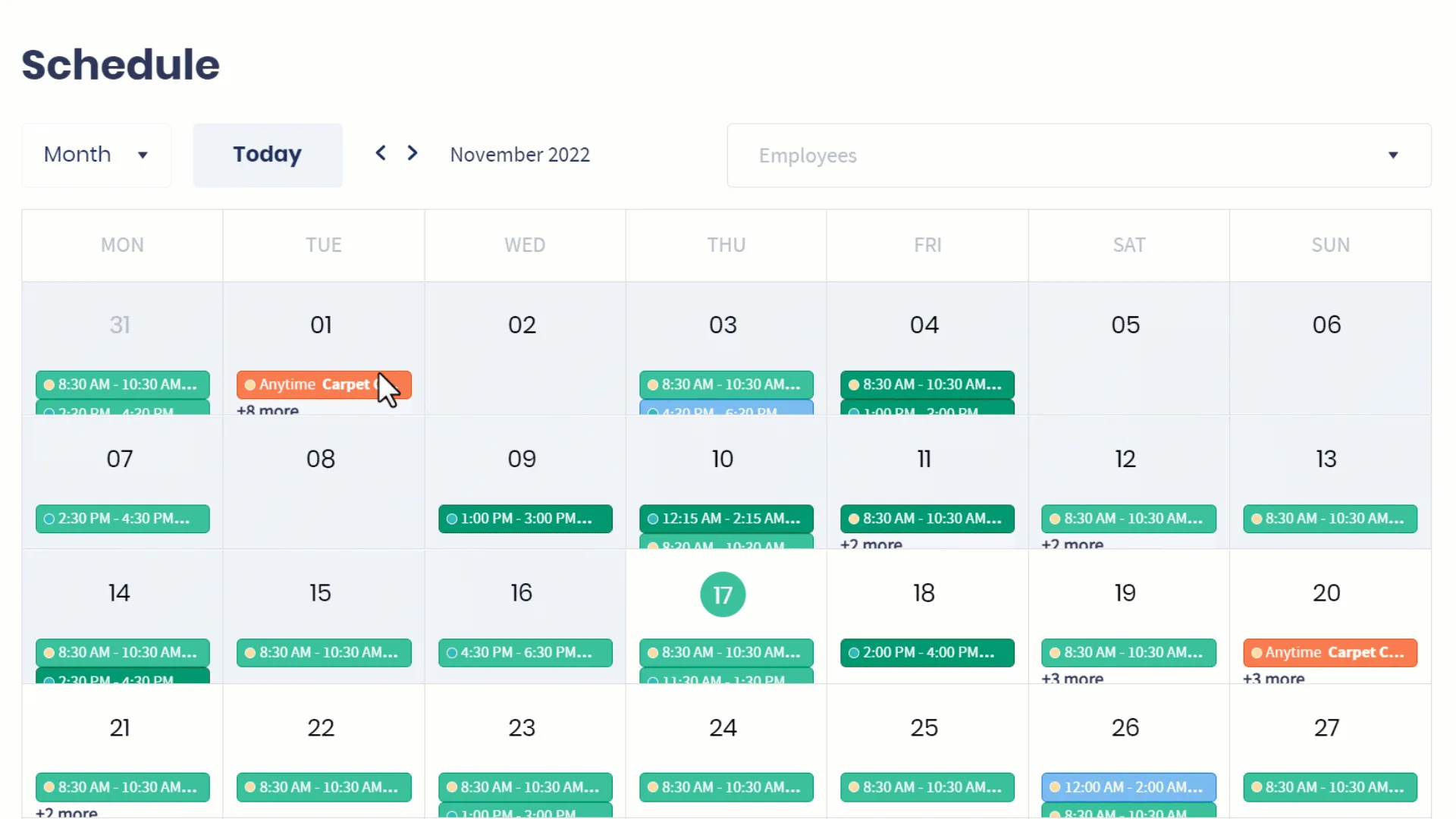
Toggle different views based on day week, month, and team schedule.
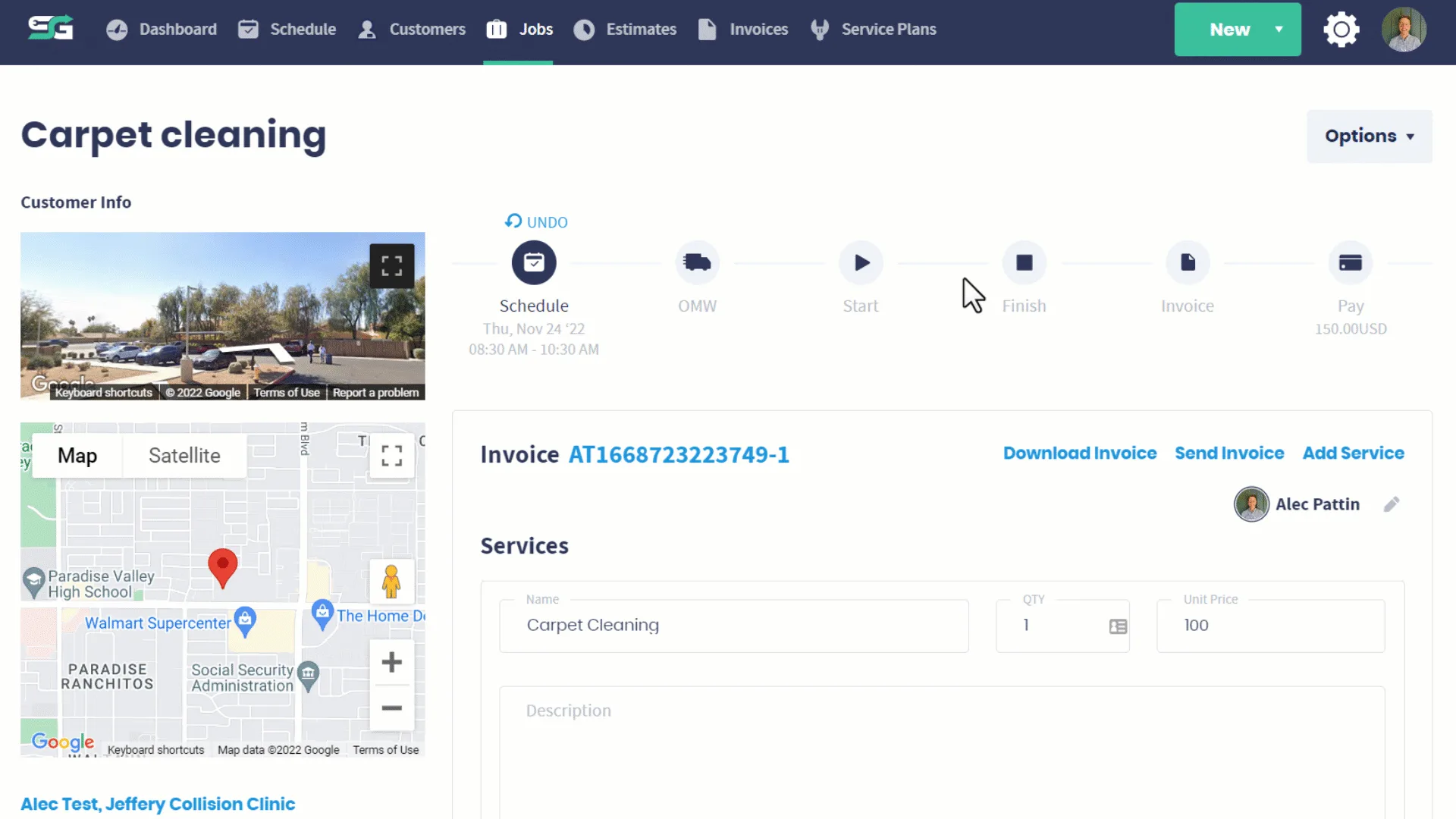
You can also edit who the team is from the job page.
If you need to add an additional team member, you can do so in your settings. Here we are going to update an employees' role. Go To Settings --> Employees.
Was this article helpful?