Reports & Integrations
Create Google Calendar Event when Scheduling a Job in Servgrow.
Updated December 5, 2022 · 1 min read
In Zapier, create a new "Zap"
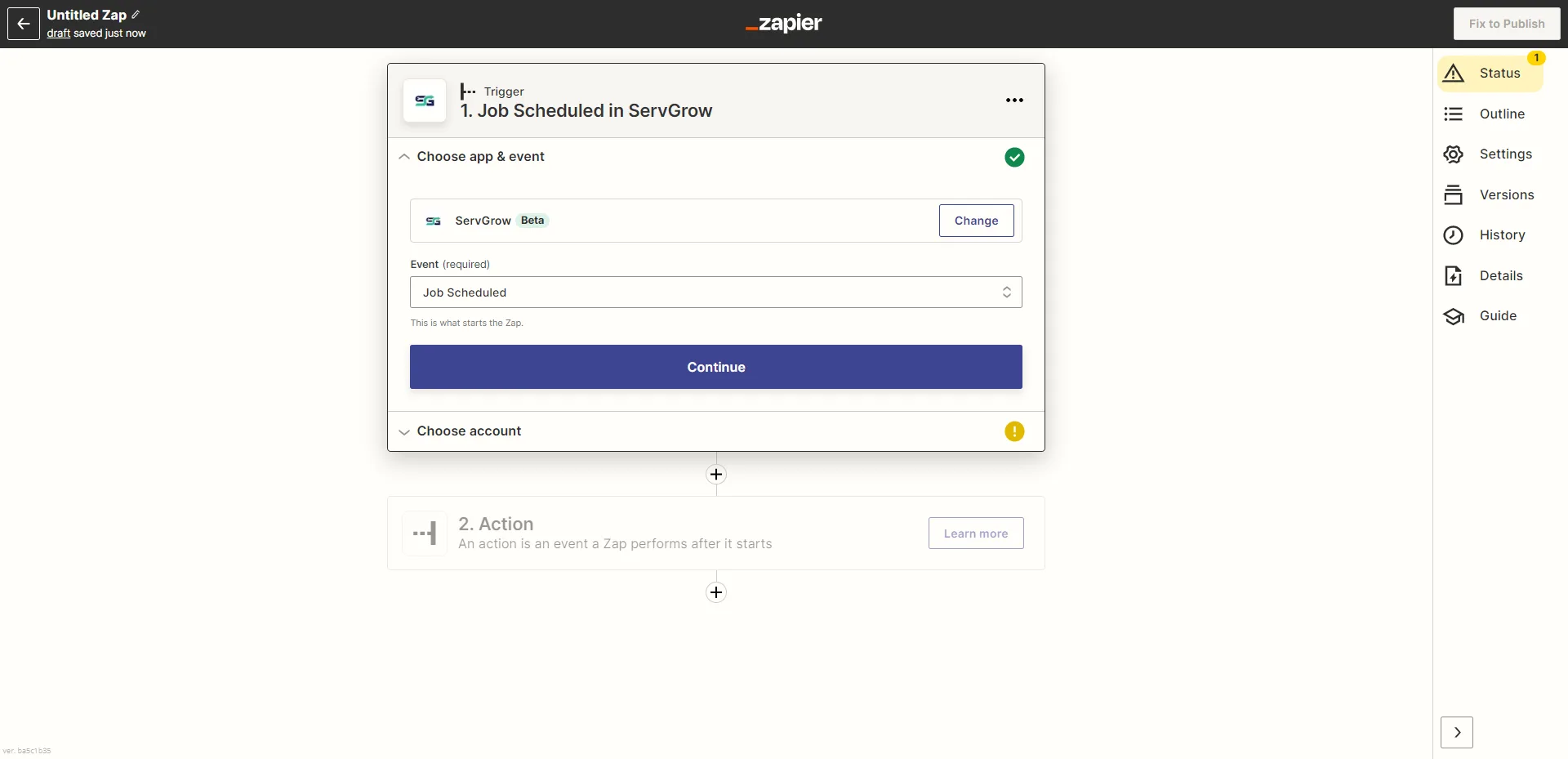
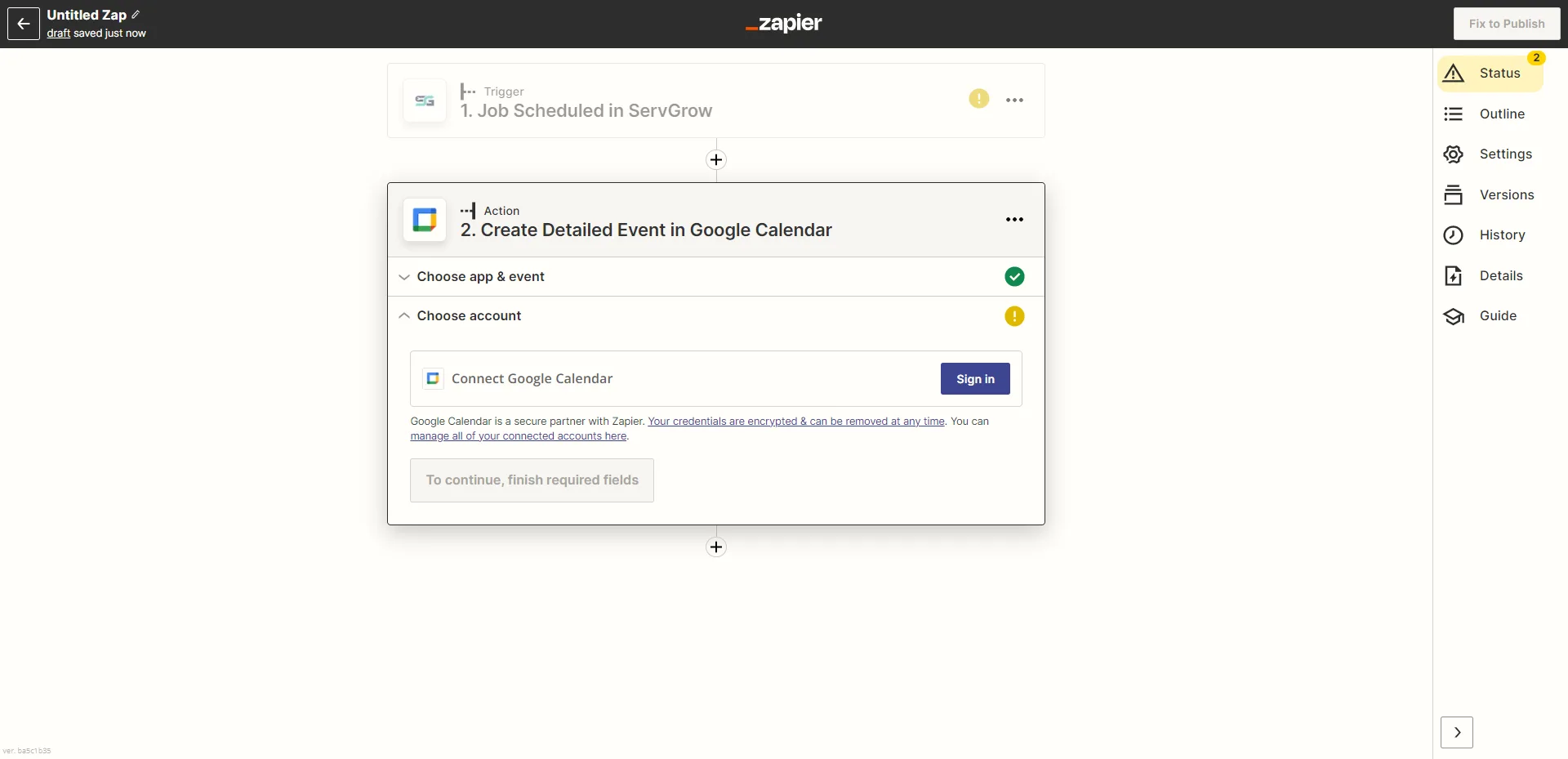
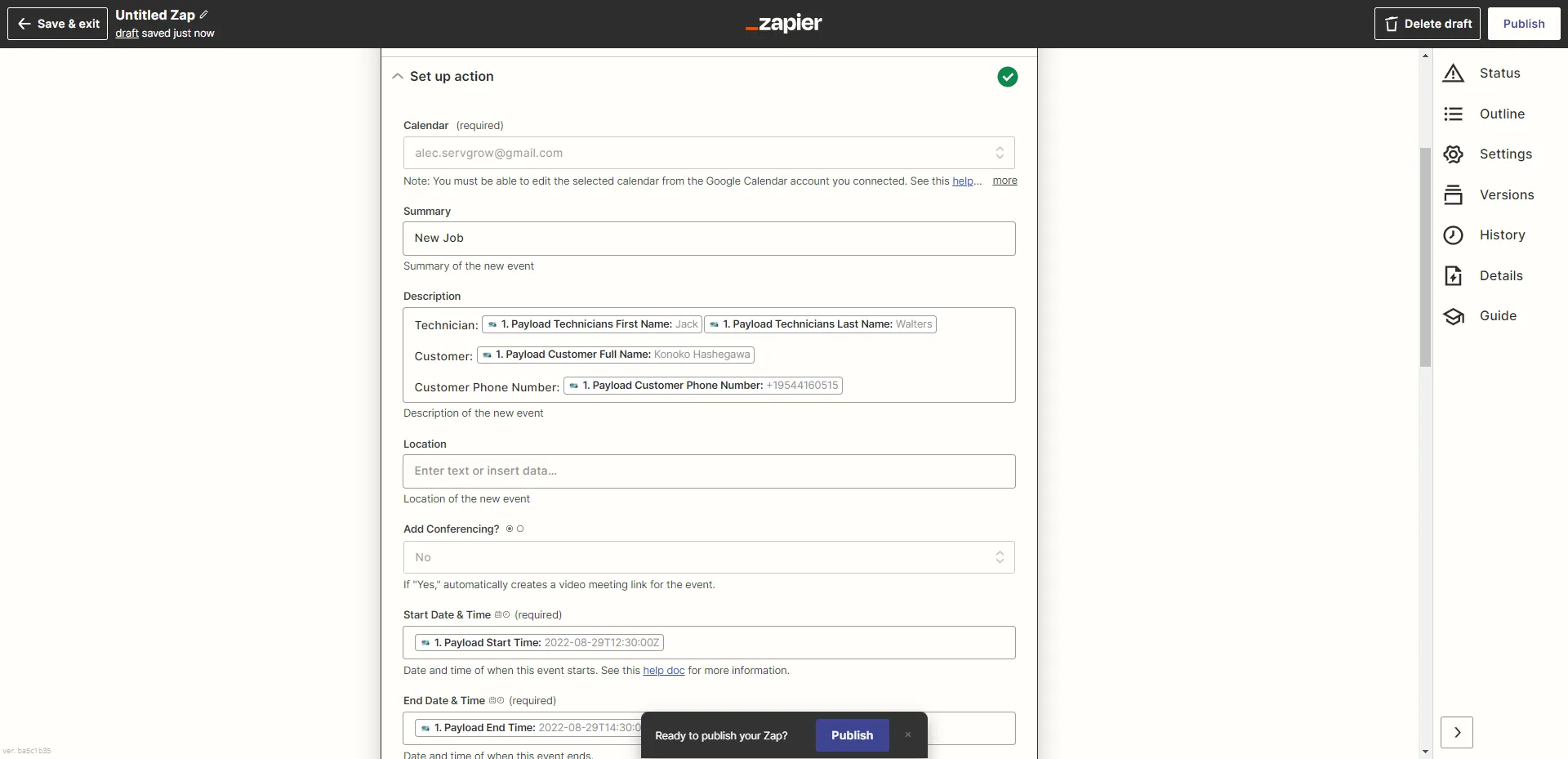
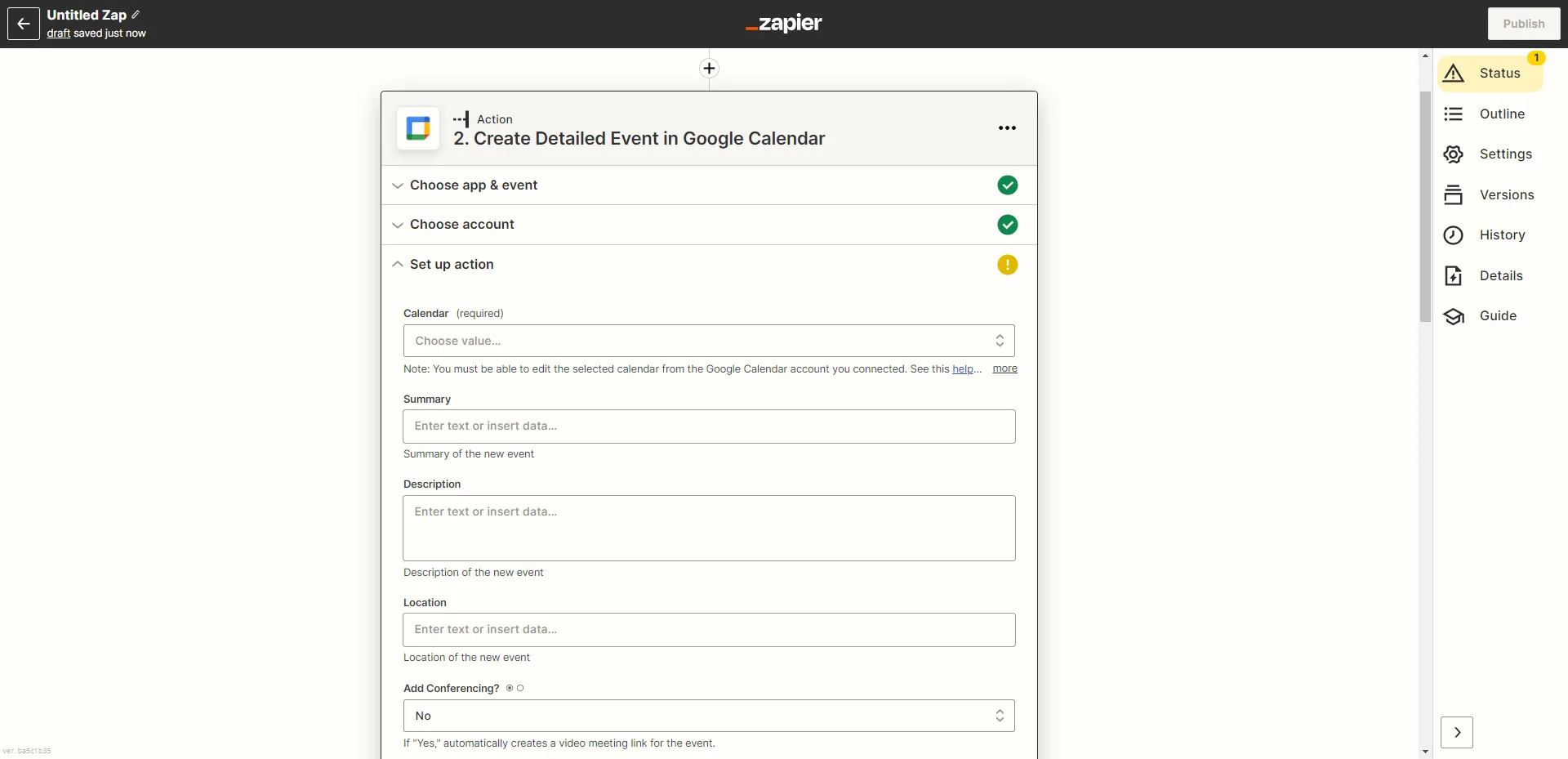
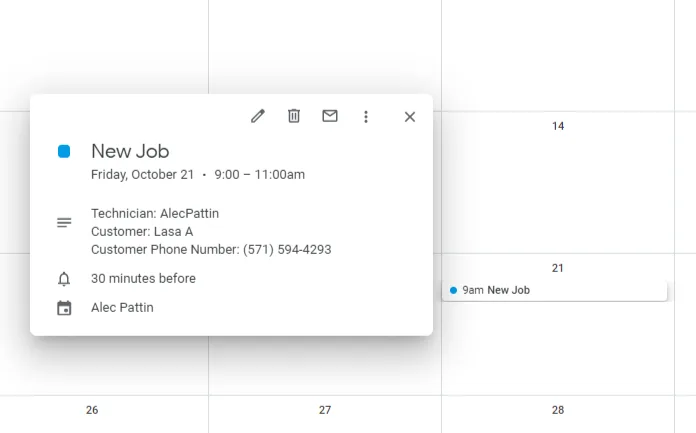
Enter in Details you would like listed on your Google Calendar Event.
To use Zapier to create Google Calendar events from Servgrow, you'll need an API key. Go to Settings -> Integrations.
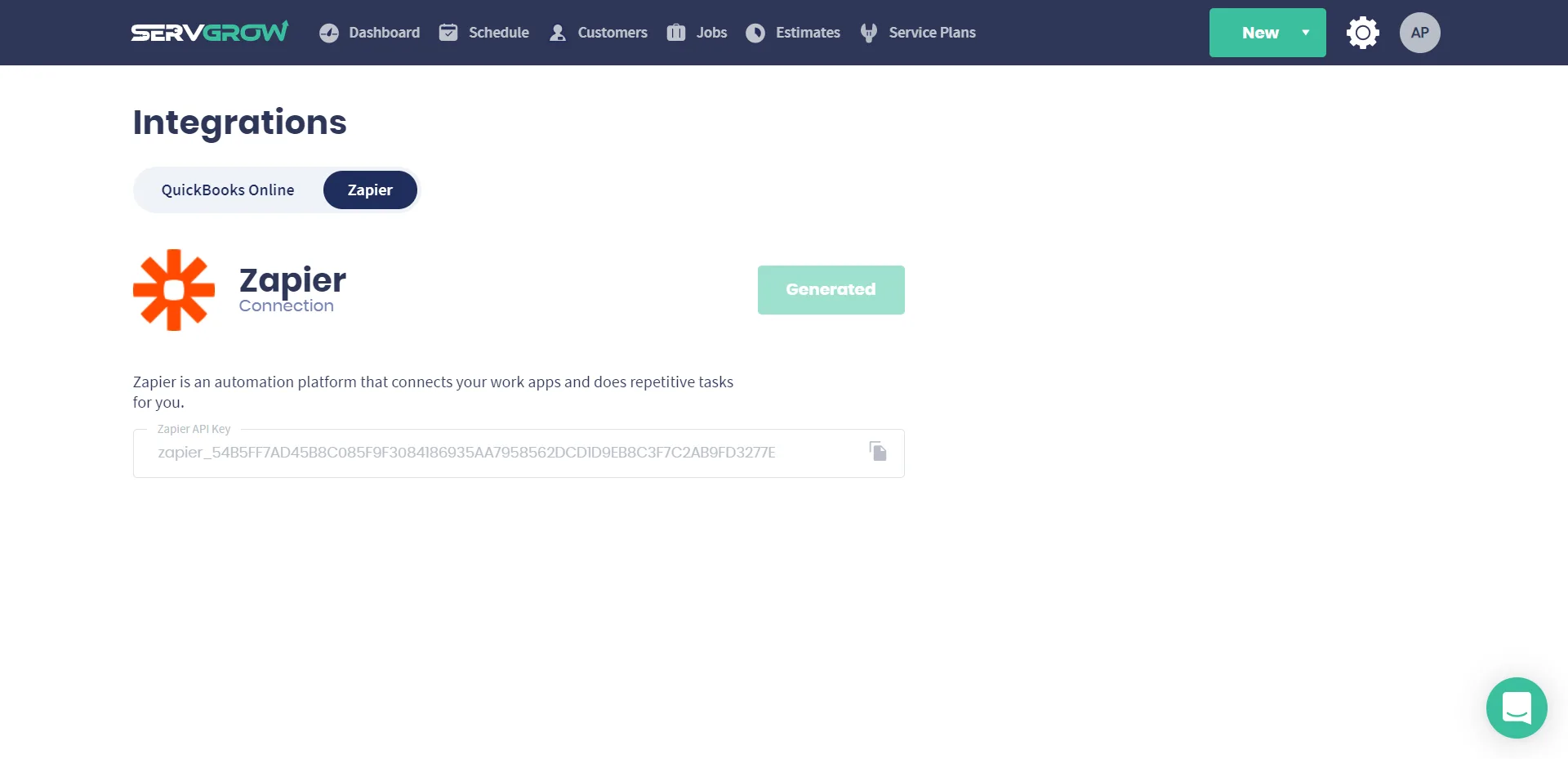
Copy and Paster your API key
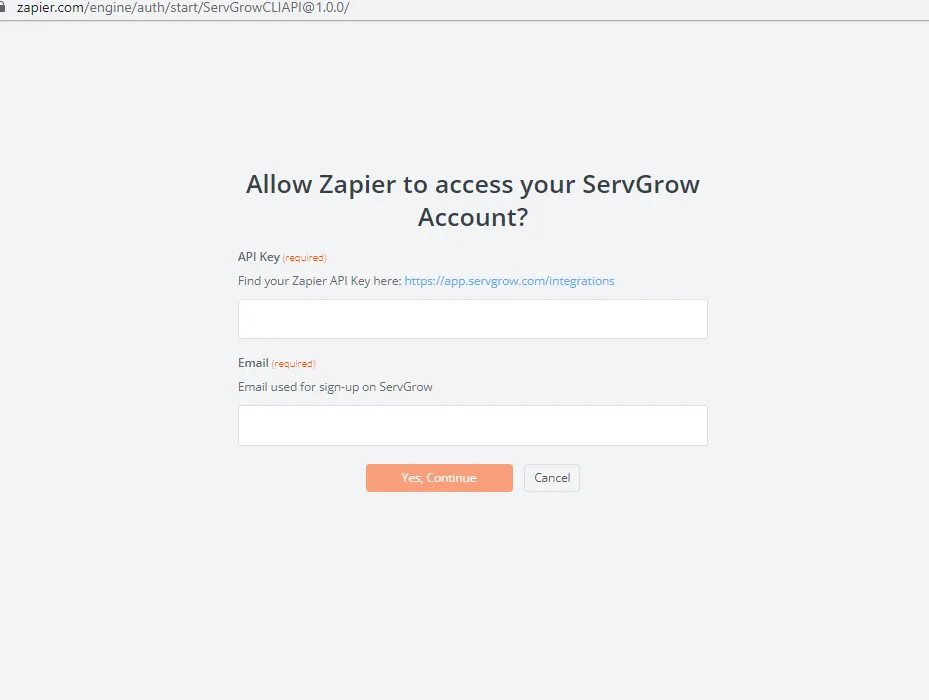
Once you enter your API key and connect your Servgrow account, Go ahead and create action details for creating a Google Calendar event.
Was this article helpful?