Photo & Video Gallery
Show the work. Keep the proof.
Your crew already takes photos on every job. Then the pictures sit in a dozen camera rolls, mixed in with family snapshots, until a customer questions a charge and nobody can find the right one. Servgrow’s Gallery puts every photo and video on the job it belongs to, marks the befores and afters, and records who took each one, when and where. The proof is on file the moment the shot is taken.
How a Job Photo Gallery Helps Your Business
Photos do more work for a service business than almost anything else it owns. A before shot protects you when a customer says the damage was already there. An after shot sells the next job when you show it to a neighbor or post it online. A short walkthrough video shows a new hire what finished looks like without you driving out. None of that happens while the pictures are scattered across personal phones. Keeping them on the job, with a time, a name and a place attached, turns them into a record your business owns.
Gallery
A Gallery on Every Job, Estimate and Event
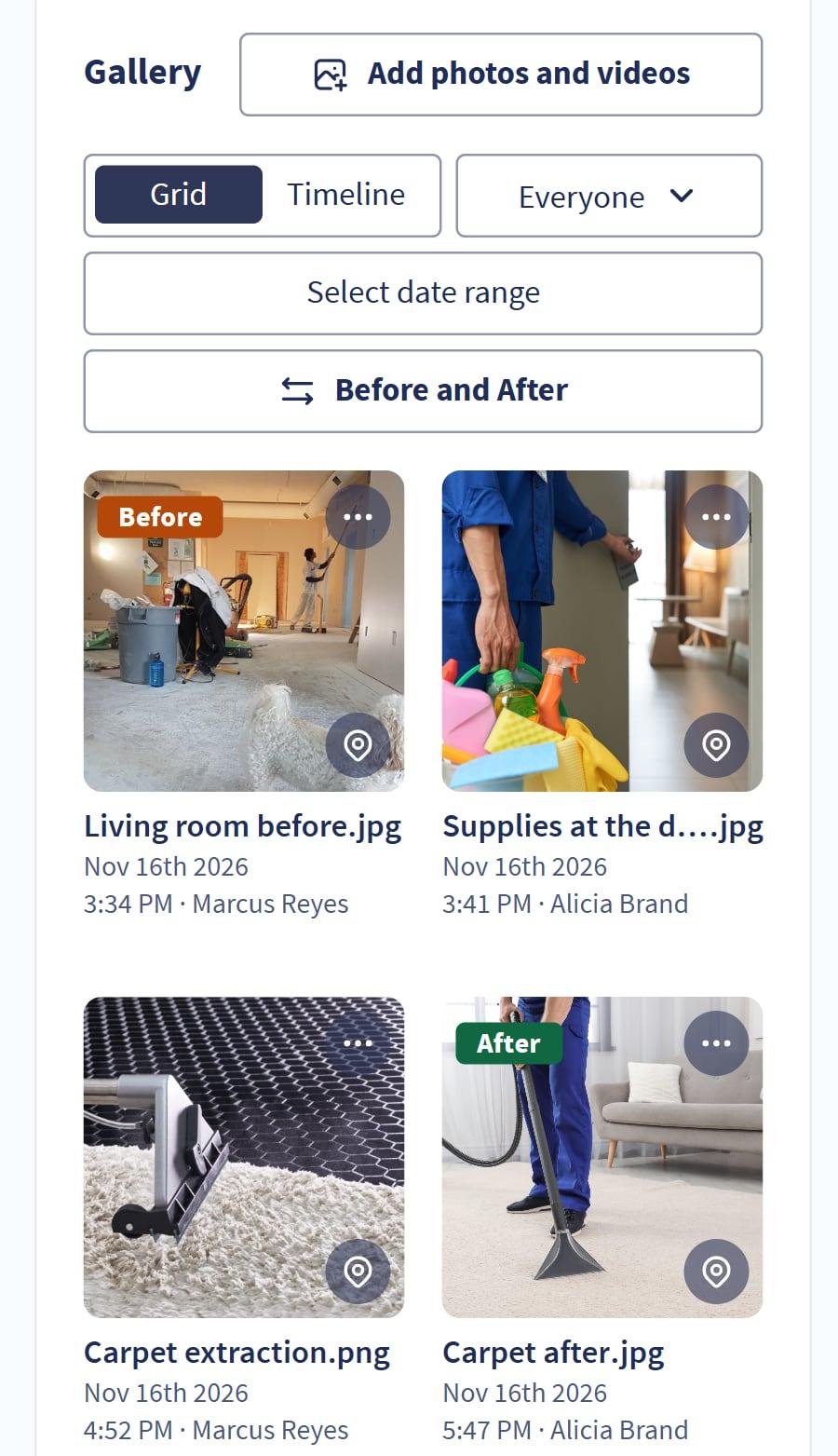
Photos and videos live right on the work they belong to, in their own Gallery section.
Add a batch at once: Upload several photos or videos together from the office computer.
Straight from the camera: Techs take pictures in the Servgrow mobile app and they land on the job.
Grid or timeline: See everything as thumbnails, or laid out in the order it was taken.
Find the shot you need: Filter by who added it or by the dates it was taken.
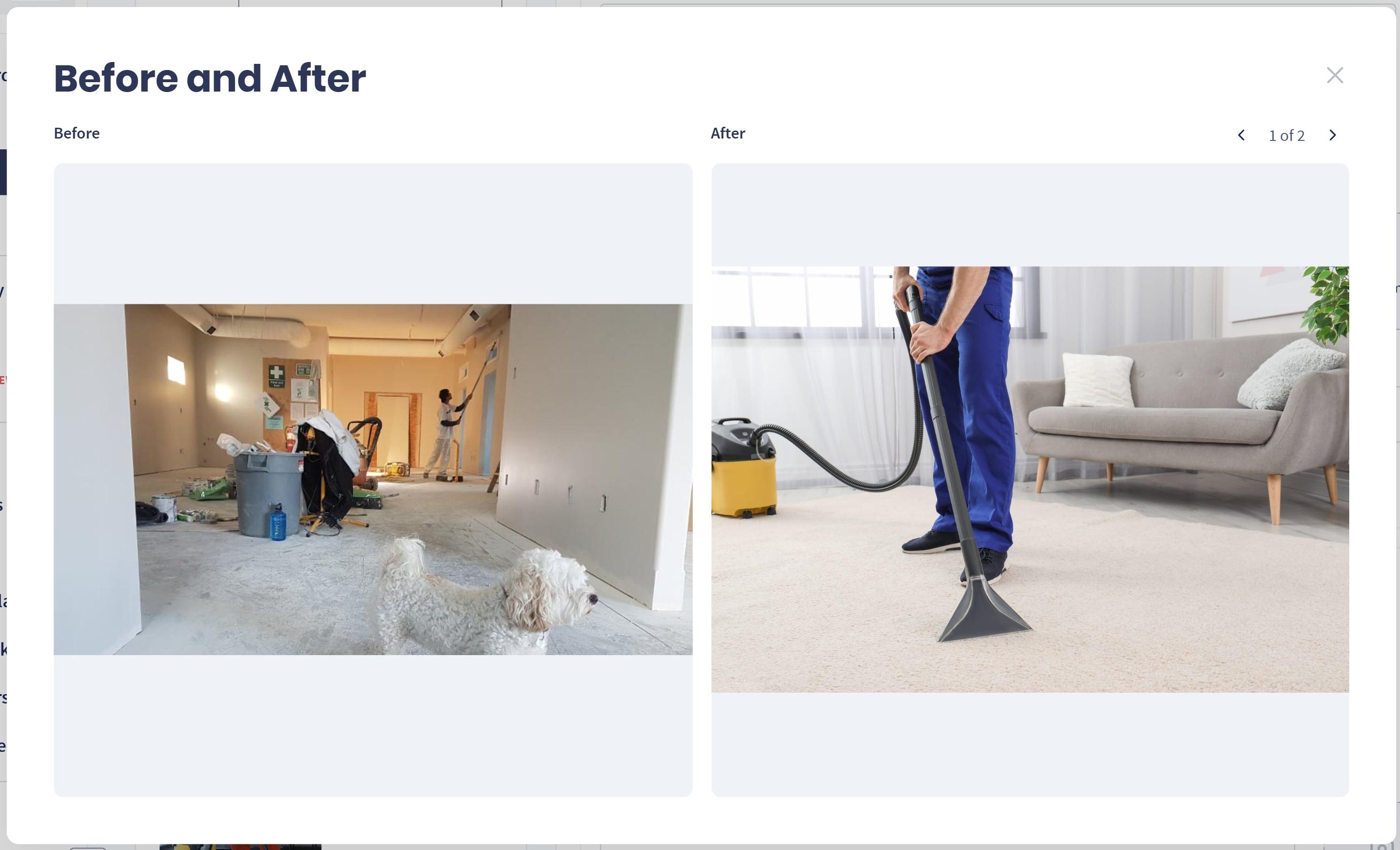
Before and After
Before and After, Side by Side
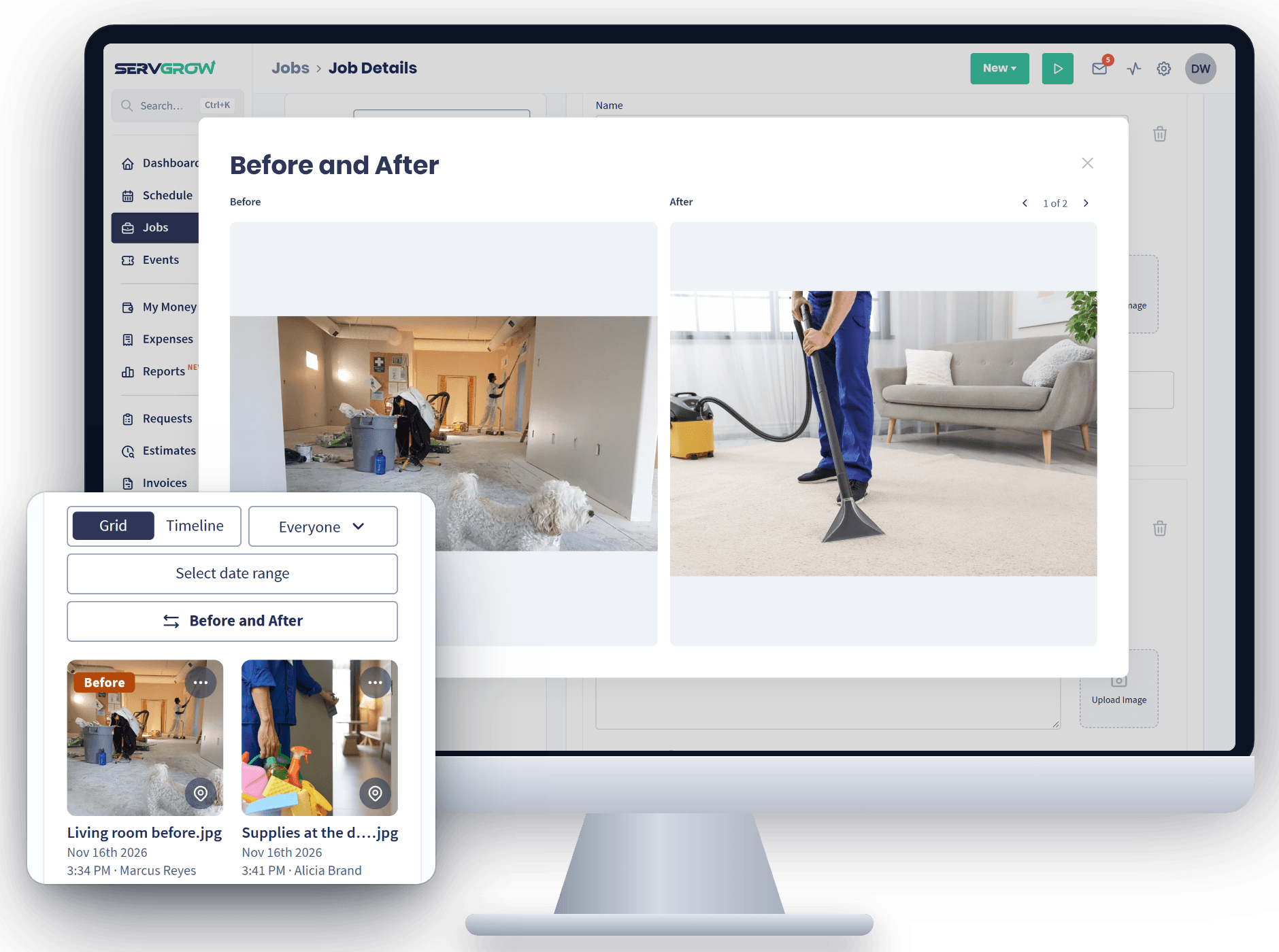
Tag the photos once and Servgrow lines them up for you.
Mark as Before or After: Pick it from the photo’s menu, and change it later if you need to.
One view for the comparison: Open Before and After to see both ends of the job next to each other.
Let the difference talk: Turn the screen around at the end of the visit and show the customer what they paid for.
Proof that keeps: When a question comes up weeks later, the comparison is still on the job.
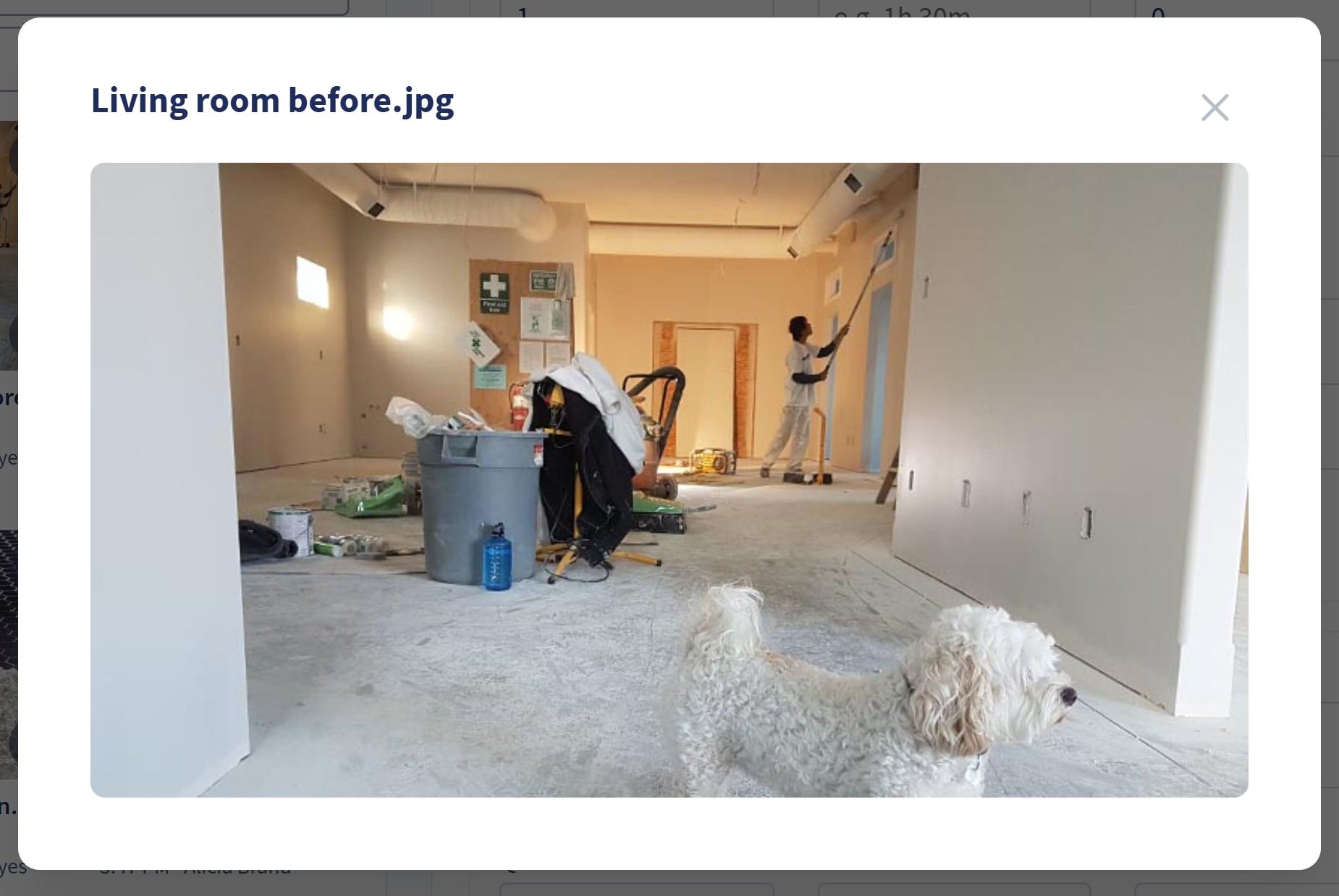
Details
Who Took It, When and Where
Every file carries its own story, so nobody has to remember it.
Time stamped: Each photo and video shows when it was taken.
Name attached: See which team member added it, and filter the gallery by person.
Location from the phone: Photos taken on a phone show where they were taken, one click away with Show where.
Names that make sense: Files keep their original name and can be renamed, so Living room before beats a string of camera digits.
Nothing Lost
From Estimate to Finished Job, Nothing Gets Lost
Photos follow the work from the first visit to the last, and stay with the customer after that.
Estimate photos come along: When an estimate becomes a job, its gallery goes with it.
After shots on finished jobs: Forgot the after photos? Add them to a finished job, even a paid one, with a short note about the change.
Every file in one tab: The customer profile has a Files tab with the photos, videos and forms from all of that customer’s jobs.
A live link for the customer: Share a public link so the customer can follow the job’s photos as they come in.
What is a Job Photo App?
A job photo app saves pictures and video from the field onto the job record instead of a personal camera roll. For a service business that means every image is tied to a customer, an address and a date, can be found by anyone in the office, and stays with the company when an employee moves on. Servgrow builds the gallery into the job itself, so there is no separate app to open and nothing to upload at the end of the day.
Wrap Up: Let the Photos Sell for You
Good work deserves proof, and proof is worth the most when you can find it. The Servgrow Gallery keeps every before, after and walkthrough on the job, labeled and dated, so your crew spends less time explaining and you spend less time arguing. Snap it, tag it and let the pictures show customers why they hired you.